
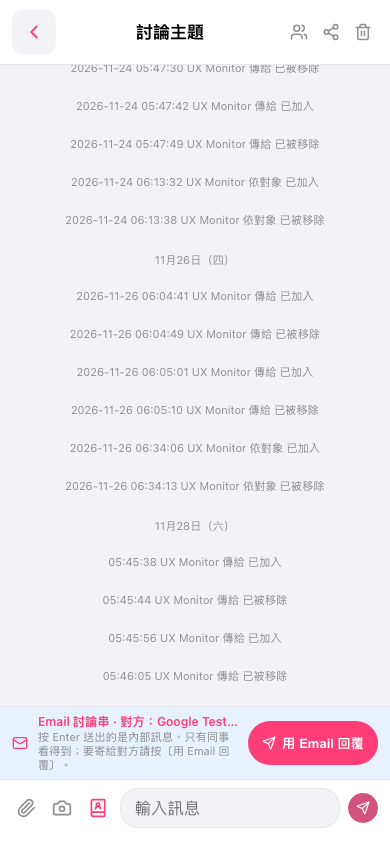
1. On the “Discussion Topic” page, tap the “Enter a message” field at the bottom and enter your message. 2. To attach a file, tap the paperclip icon in the bottom-left corner. To take or add a photo, tap the camera icon. 3. Tap the paper airplane icon in the bottom-right corner to send the message.
 手機版|討論主題