
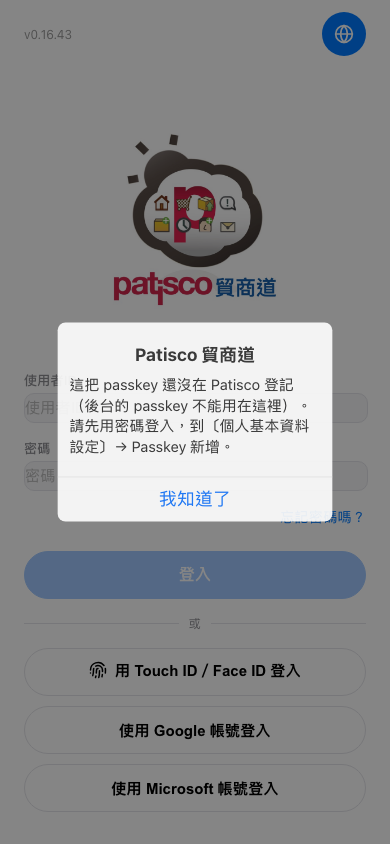
1. Select “Got it” to close the message and return to the login page. 2. Enter your account and password in the “User” and “Password” fields, then select “Log in”. 3. After logging in, go to “Personal Profile Settings”, select “Add Passkey”, and complete registration. 4. The next time you return to the mobile login page, select “Log in with Touch ID / Face ID” to verify your identity.
 手機版|Patisco 貿商道登入