
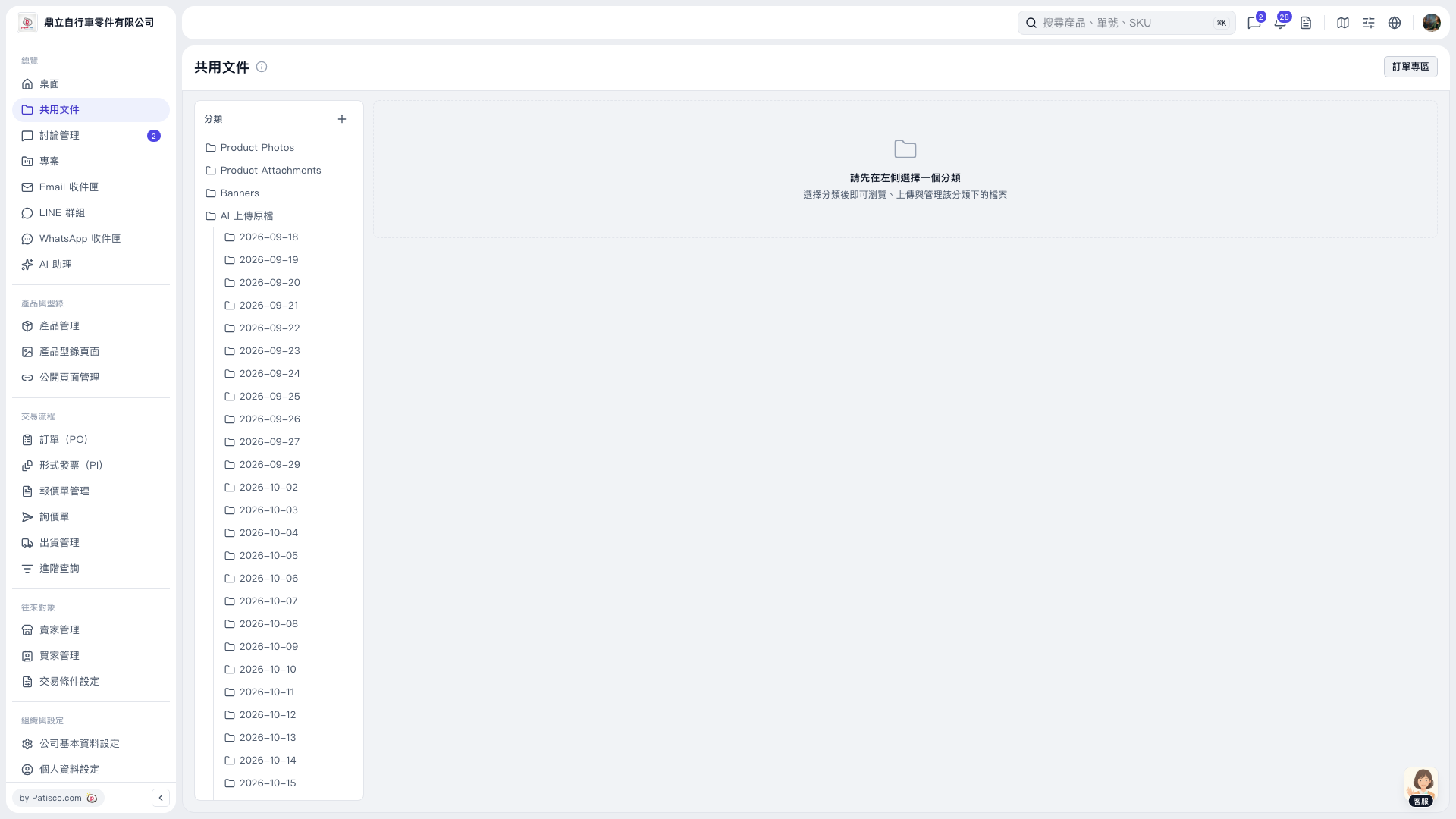
1. Open the “Shared Documents” page. 2. In the category panel on the left, click the category folder you want, such as “Product Photos” or a date-based subcategory under “Original Files Uploaded to AI”. 3. After selecting a category, you can browse, upload, and manage its files on the right.
 V5 新桌面版|共用文件