
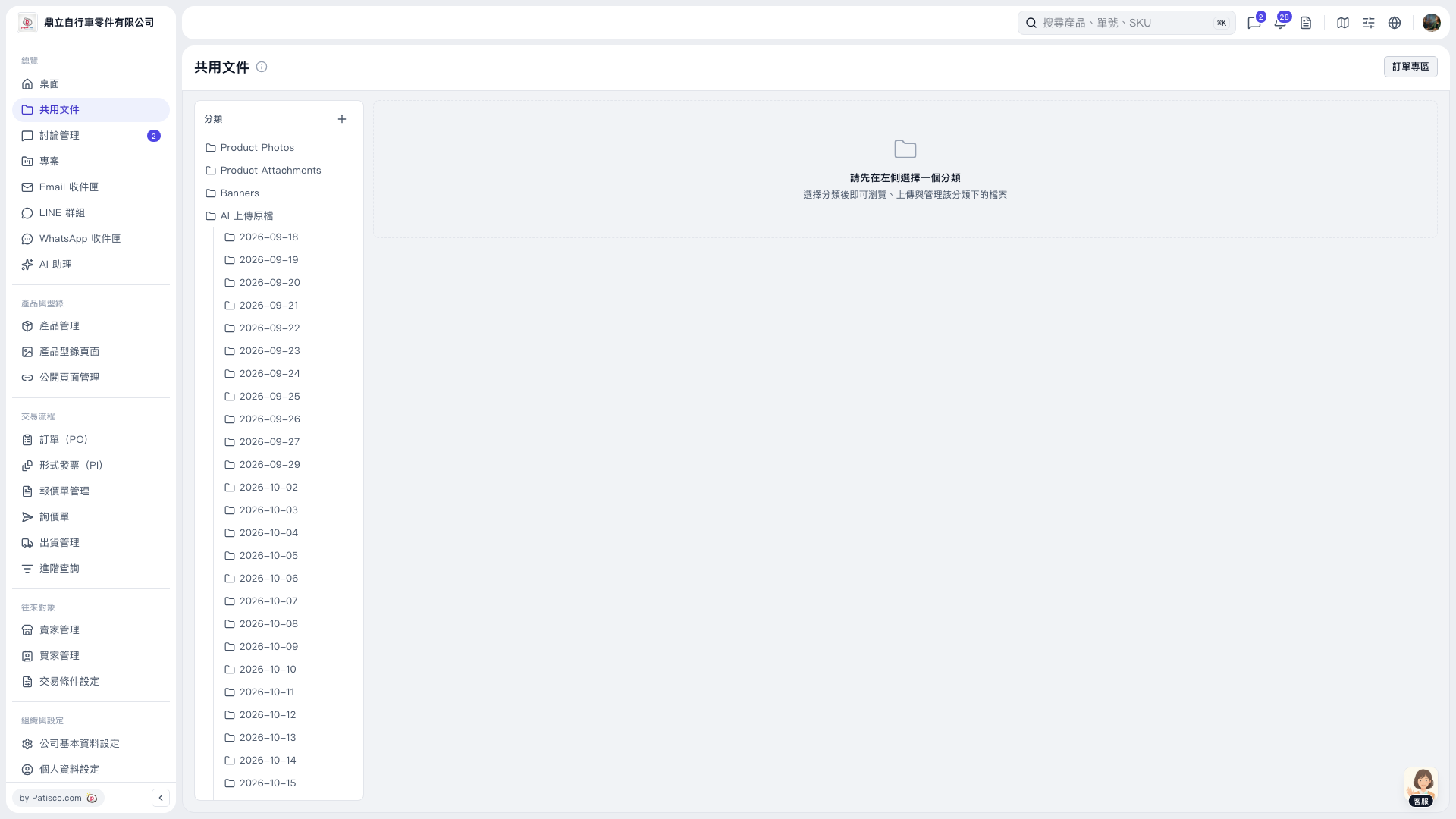
1. Open the “Shared Documents” page. 2. Click [+] in the upper-right corner of the category panel on the left to add a document category. 3. After adding it, select it in the category panel on the left. You can then upload and manage files on the right. To check whether a category already exists, you can ask the AI assistant directly, for example, “Is there a ○○ category in Shared Documents?” If the category has not been created, the AI will reply that it does not exist yet. If it already exists, the AI will confirm that it does.
 V5 新桌面版|共用文件