
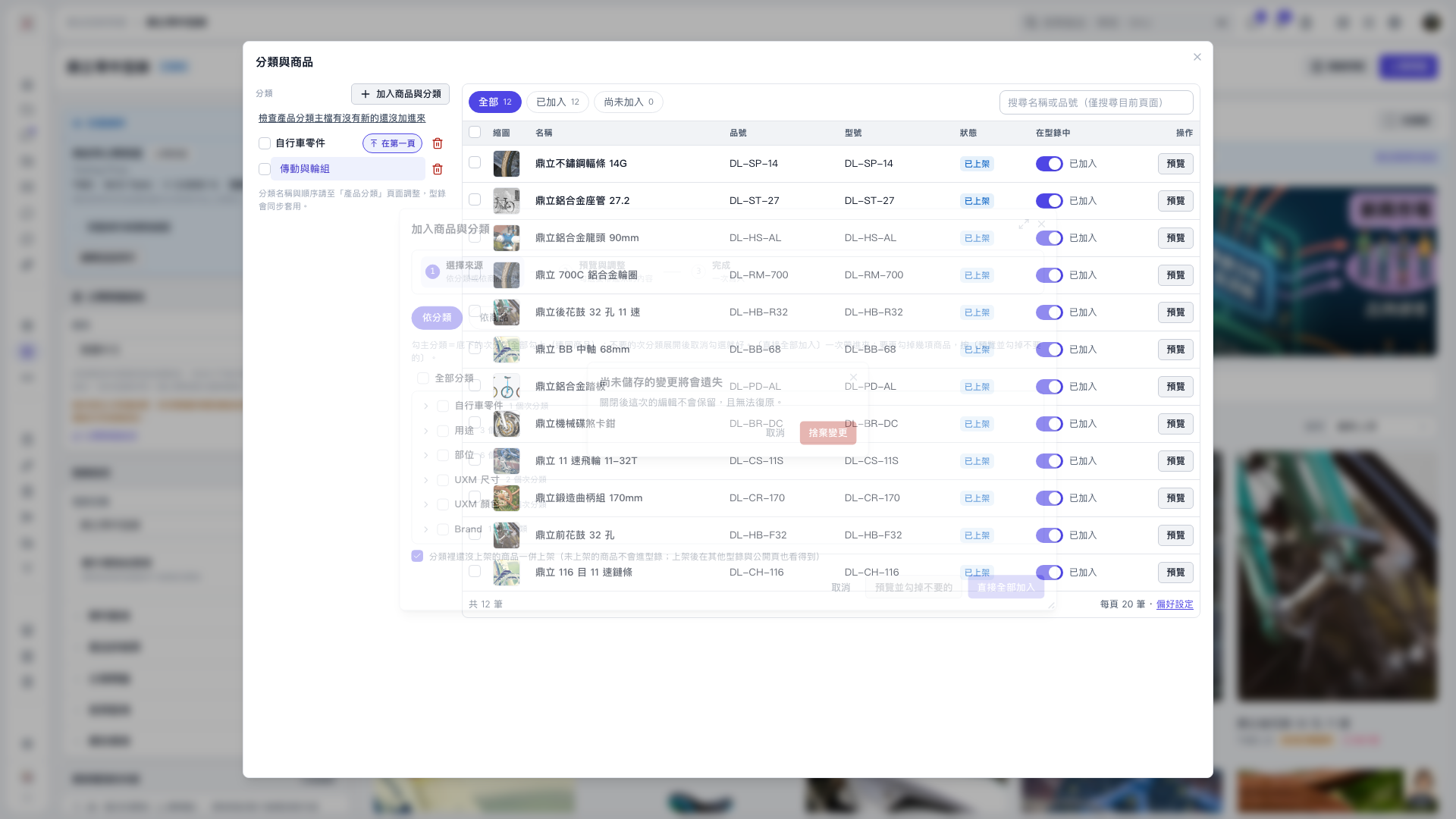
1. In the “Categories and products” window, click [+ Add products and categories]. 2. Select the categories or products you want to add. Selecting a main category also selects its subcategories and products. You can expand a category and deselect any items you do not need. Select [All categories] to select everything; click it again to deselect everything. 3. Check whether [Also publish unpublished products in the categories] meets your needs. It is selected by default. 4. If you want to add everything selected, click [Add all directly]. The selected items will be added to the catalog immediately, with no further confirmation step. 5. After returning to the product list, use [Added] or [Not added] to filter and verify the results, and use the [In catalog] switch in each row to make adjustments.
 V5 新桌面版|分類與商品