
1. Open https://mobile.patisco.com/logon. The "Login" page appears. 2. To change the language, tap the globe icon at the top right and select a language. 3. Enter your account in the "User ID" field. 4. Enter your password in the "Password" field. 5. Tap the large blue "Login" button in the center below the form. The button changes from light blue (disabled) to dark blue (tappable) only after both fields are filled in.
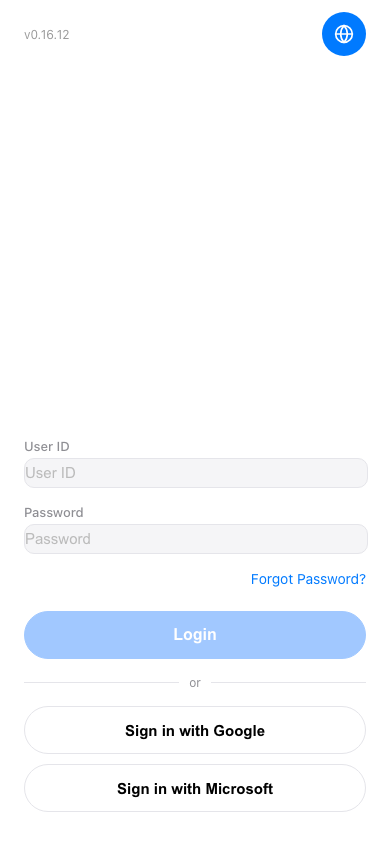 手機版|登入(Login)