
Forgot password: 1. On the login page, tap "Forgot Password?" at the lower right of the password field. 2. Follow the on-screen instructions to reset your password.
Logging in with Google or Microsoft (only if your company account is already linked): 1. On the login page, tap "Sign in with Google" or "Sign in with Microsoft" at the very bottom. 2. Follow the on-screen instructions to complete authorization, and you will be logged in.
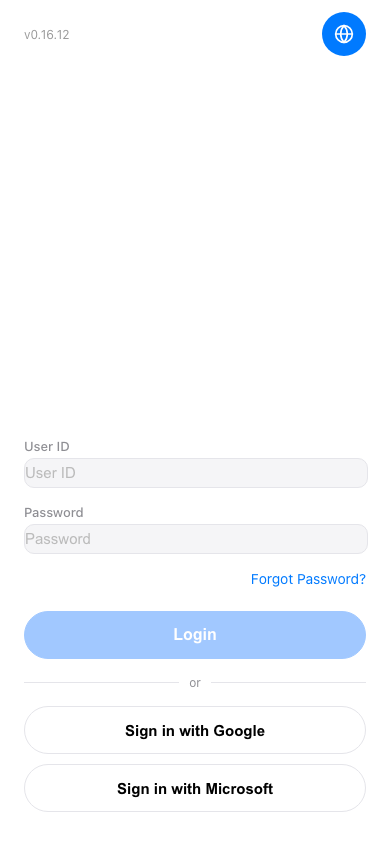 手機版|登入(Login)