
1. Forgot password: Tap the blue "Forgot Password?" link on the right below the password field, then follow the steps to reset your password. 2. Company uses single sign-on: You don't need to enter a User ID or Password. Just tap "Sign in with Google" below, or "Sign in with Microsoft" at the very bottom. 3. To change the interface language: Tap the blue round globe icon at the top right first, then switch the language.
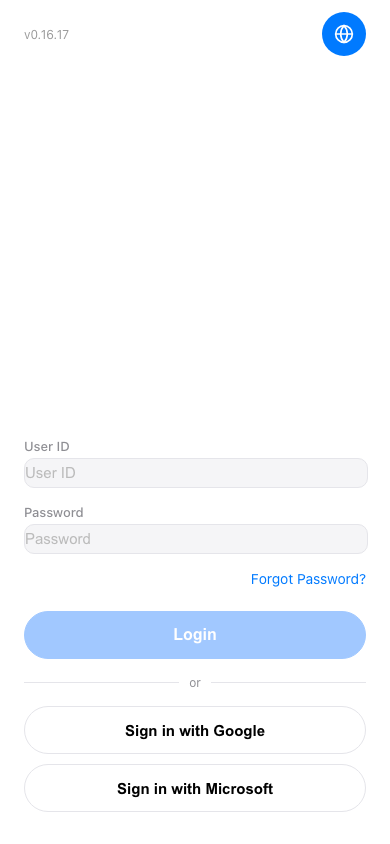 手機版|登入(Login)