
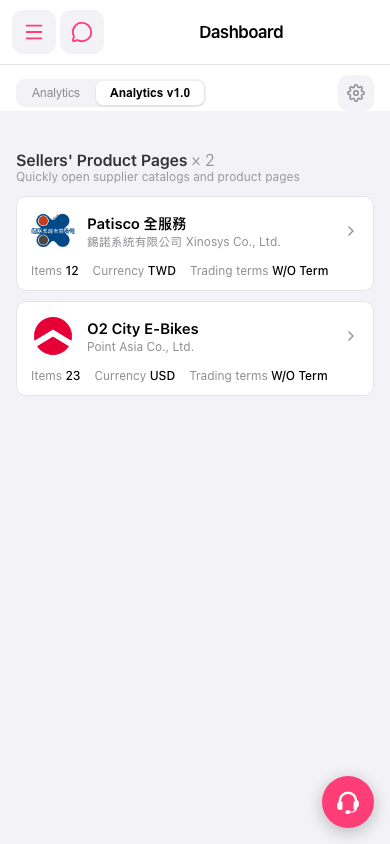
1. To switch to another function, tap the menu icon (three lines) at the top left to expand the sidebar navigation menu. 2. To get help, tap the customer service icon (the floating headset button) at the bottom right to contact customer service or get support. 3. To adjust the dashboard, tap the settings icon (gear) on the right side of the tab bar to open the dashboard settings.
 手機版|Dashboard