
1. Open the mobile AI conversation page (New AI conversation). 2. Type your question in the "Ask AI a question..." input box at the bottom. 3. Tap the send (paper plane) button at the bottom right to submit. 4. Wait for the AI's reply, which shows the PO number, supplier, status, and creation time.
You can ask: "Which PO is our most recent one?" The AI will reply: It lists the most recent PO (valid scope: editing + confirmed), for example PO number PO-2603-0118, supplier 永錩精密鍛造股份有限公司, status "Editing (not yet confirmed)", created at 2026-11-03 15:07 (Taipei time).
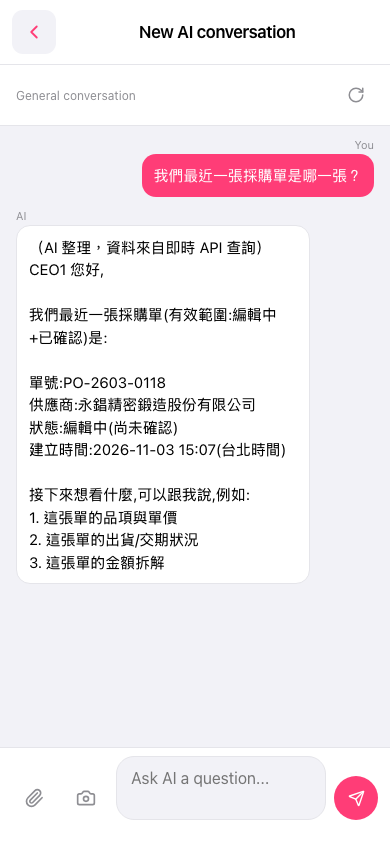 手機版|New AI conversation