
1. In the mobile version, open the AI conversation page. The screen title shows "New AI conversation". 2. Tap the "Ask AI a question..." input box at the bottom center. 3. Type the question you want to ask. 4. Tap the pink paper plane (send) button at the bottom right to send it. 5. Read the AI's reply in the conversation area.
To leave, tap the back arrow "<" at the top left to return to the previous page.
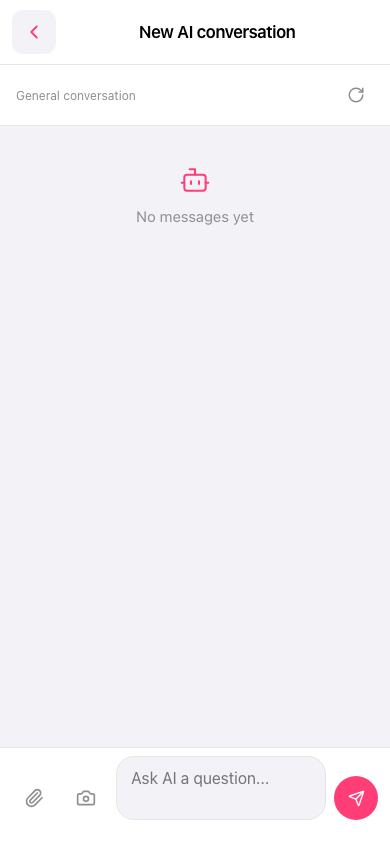 手機版|New AI conversation