
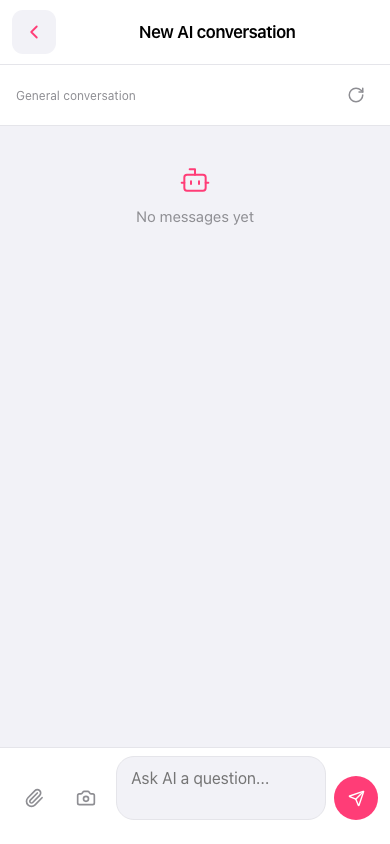
1. On the "New AI conversation" screen, tap the "Ask AI a question..." input field at the bottom. 2. Enter your question. To attach a file, tap the paperclip icon at the bottom left. 3. Tap the pink paper airplane icon at the bottom right to send your question. 4. View the AI's subsequent messages in the conversation area in the center.
 手機版|New AI conversation