
1. Press and hold the message you want to link to a project to open the action menu. 2. Tap “Link to Project” to open the project selection panel. 3. The panel displays “Use Previous Selection,” “Suggested,” and “Other In-Progress Projects” sections. In this operation, “Suggested” had no items, and “Other In-Progress Projects” had six. The subsequent steps for selecting a project and completing the link were not provided.
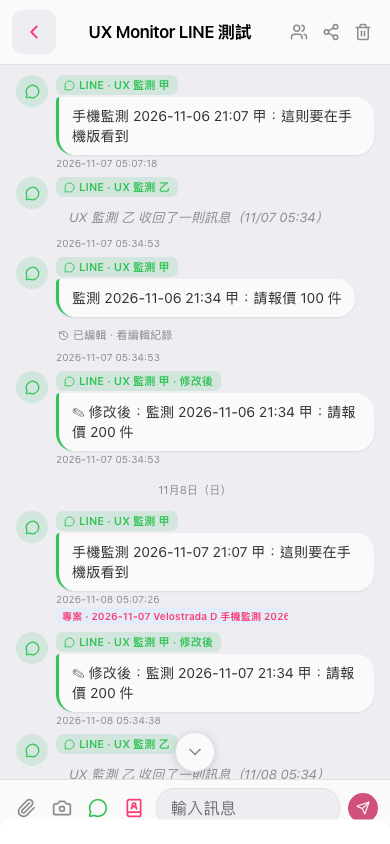 手機版|UX Monitor LINE 測試