
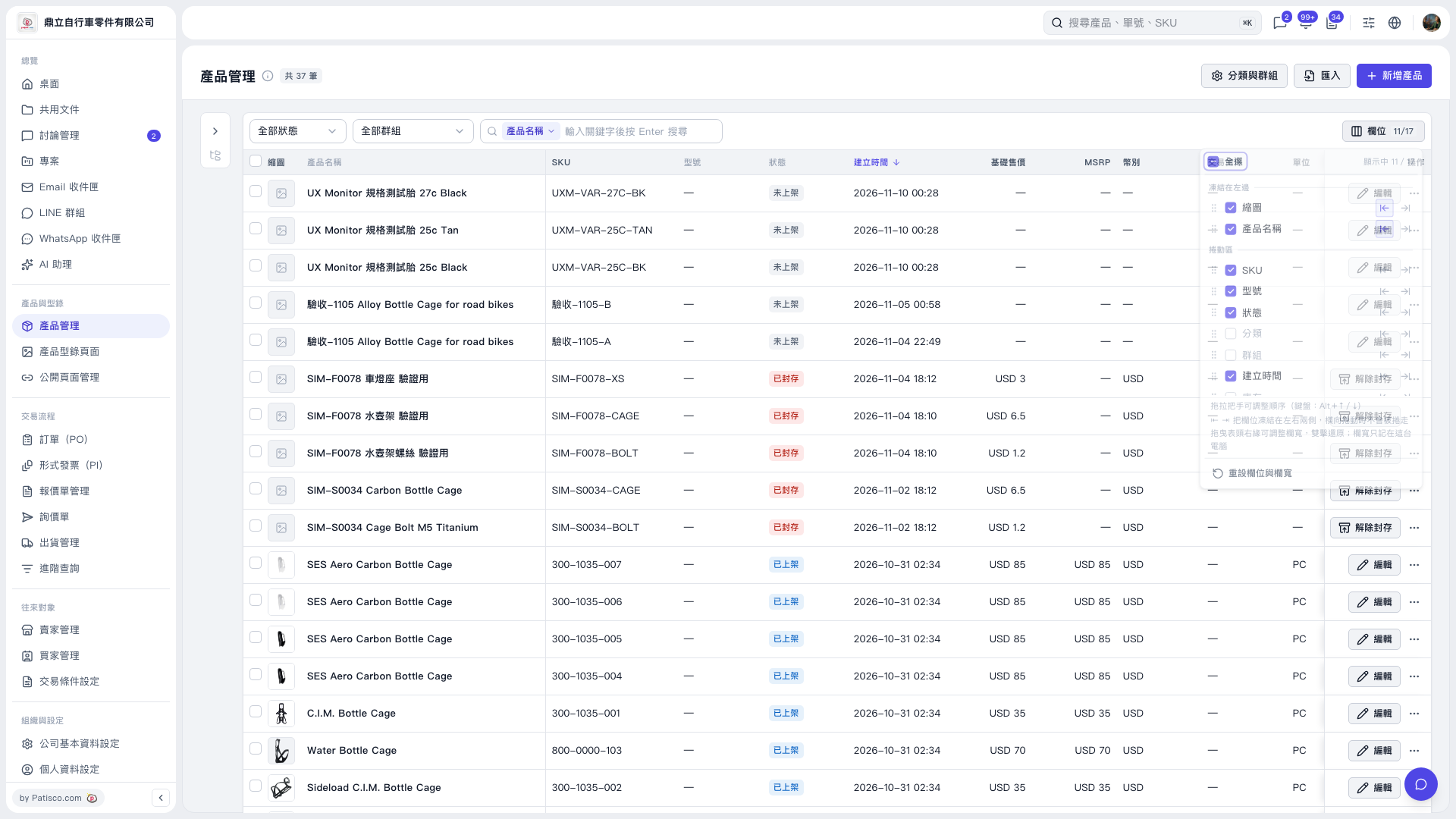
1. Drag the right edge of a column header to adjust its width, or double-click it to restore the width. Column widths are saved only in the browser you are currently using. 2. To reset the column settings and widths, click “Columns 11/17” at the upper right of the list, then click “Reset columns and widths” at the bottom of the panel.
 V5 新桌面版|產品管理