
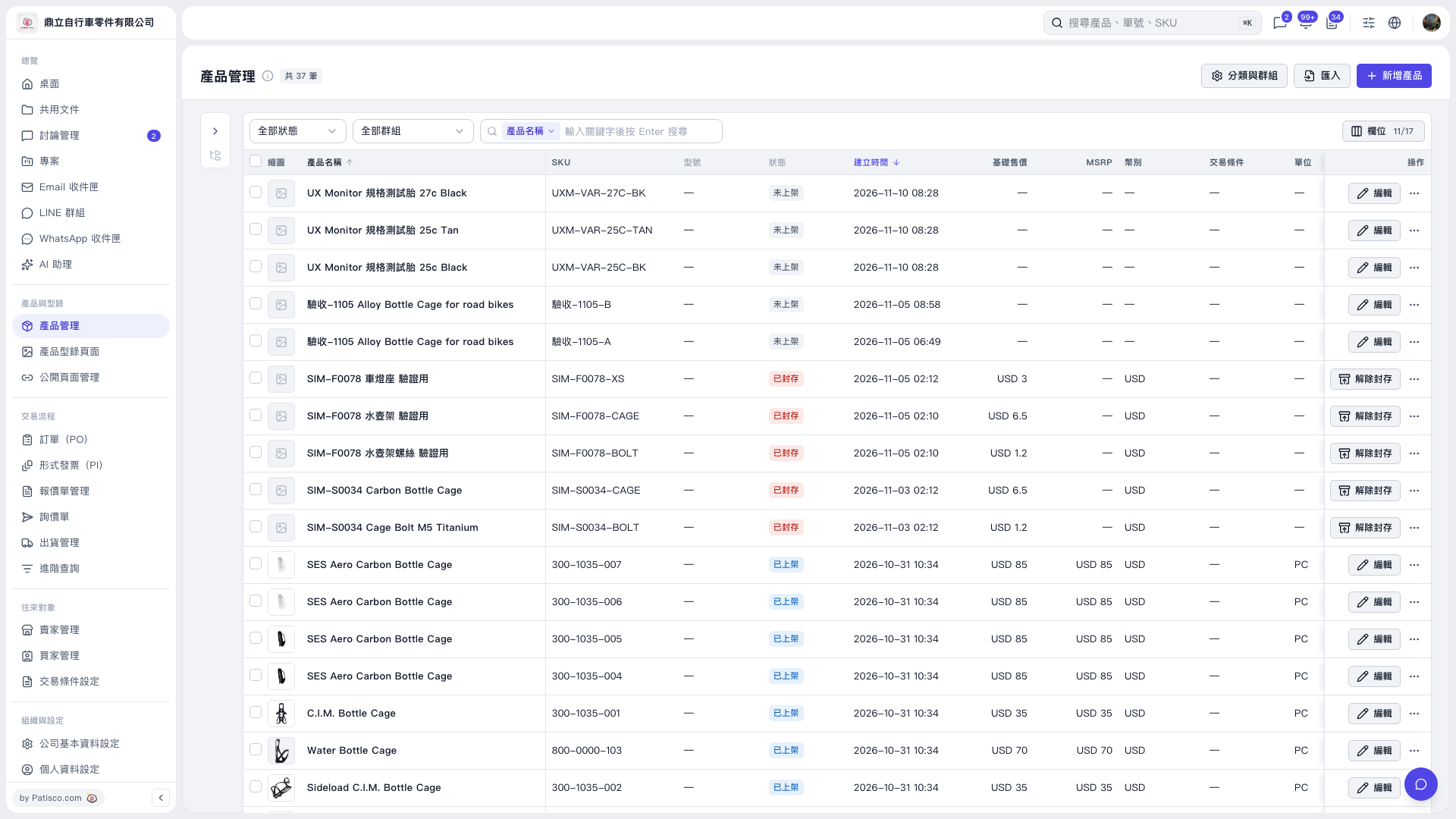
1. Select products using the checkboxes on the left side of the Product Management list. To select all products across pages, click “Select all N products.” In this screen, there are 20 products per page and 37 products in total. 2. Click “Bulk publish” or “Bulk unpublish,” then check the number of products in the confirmation dialog. Archived products will be skipped. 3. Click “Start” to proceed, or “Cancel” to cancel.
 V5 新桌面版|產品管理