
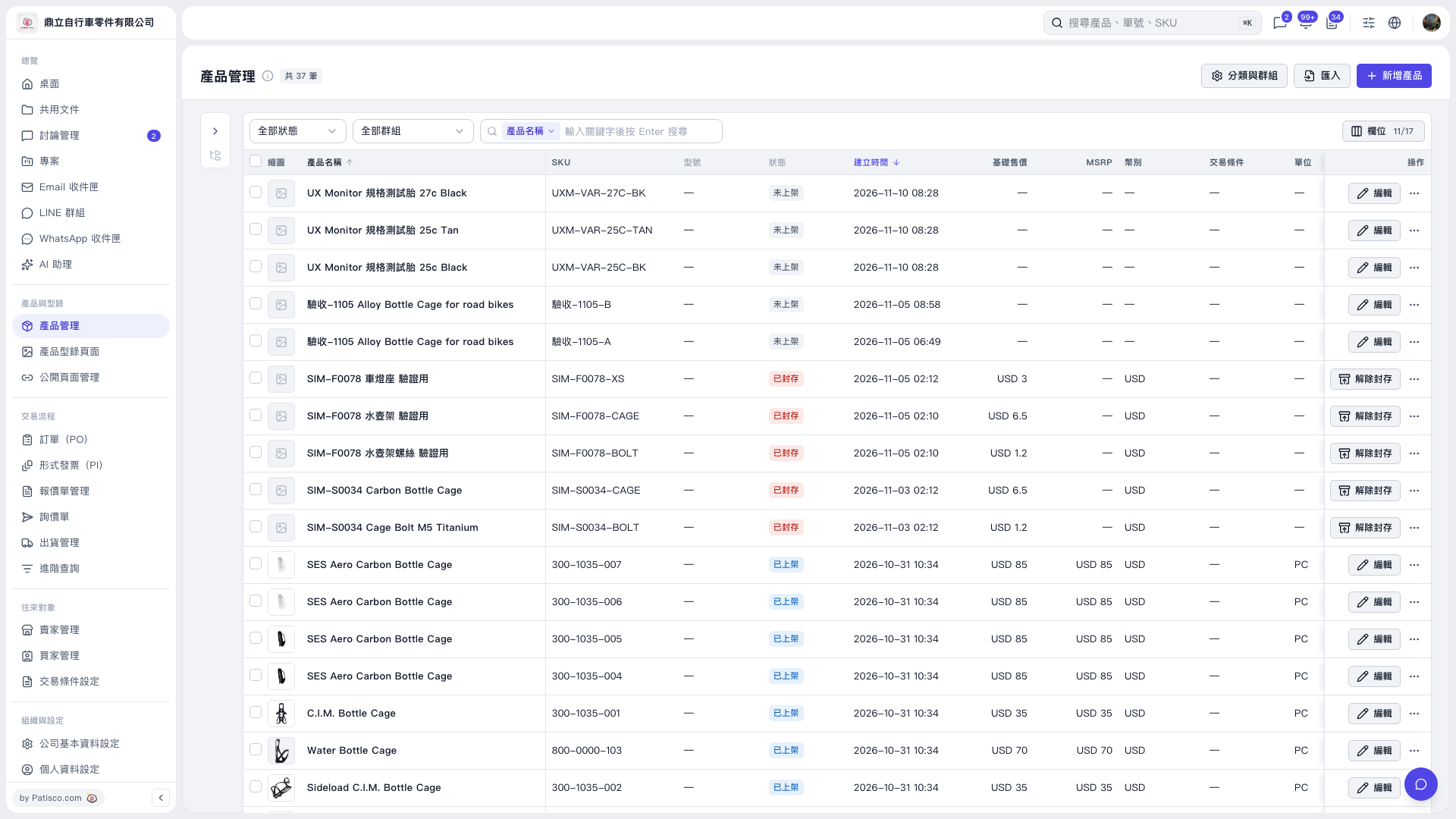
1. Select products using the checkboxes in the Product Management list. To process all products across pages, click “Select all N products.” 2. Click “Reuse photos from the same group,” then check the number of products in the confirmation dialog. 3. Products without photos will reuse the photos of the first product in the same group that has photos. They share the same files, with no additional upload. Products that already have photos will remain unchanged. 4. Click “Start” to proceed, or “Cancel” to cancel.
 V5 新桌面版|產品管理