
1. In the “Documents to process” section of the “Analytics” tab, check documents marked “Overdue” and “Needs sync”. 2. Use “List / Timeline” to switch views, and click a document number to view its contents. 3. In the “Recently updated POs” section, click a PO number to view the PO. To view the full list, click “All POs”. You can also open PO management from “PO” in the left sidebar. 4. After returning to the dashboard, click “Refresh” in the relevant section to update the data.
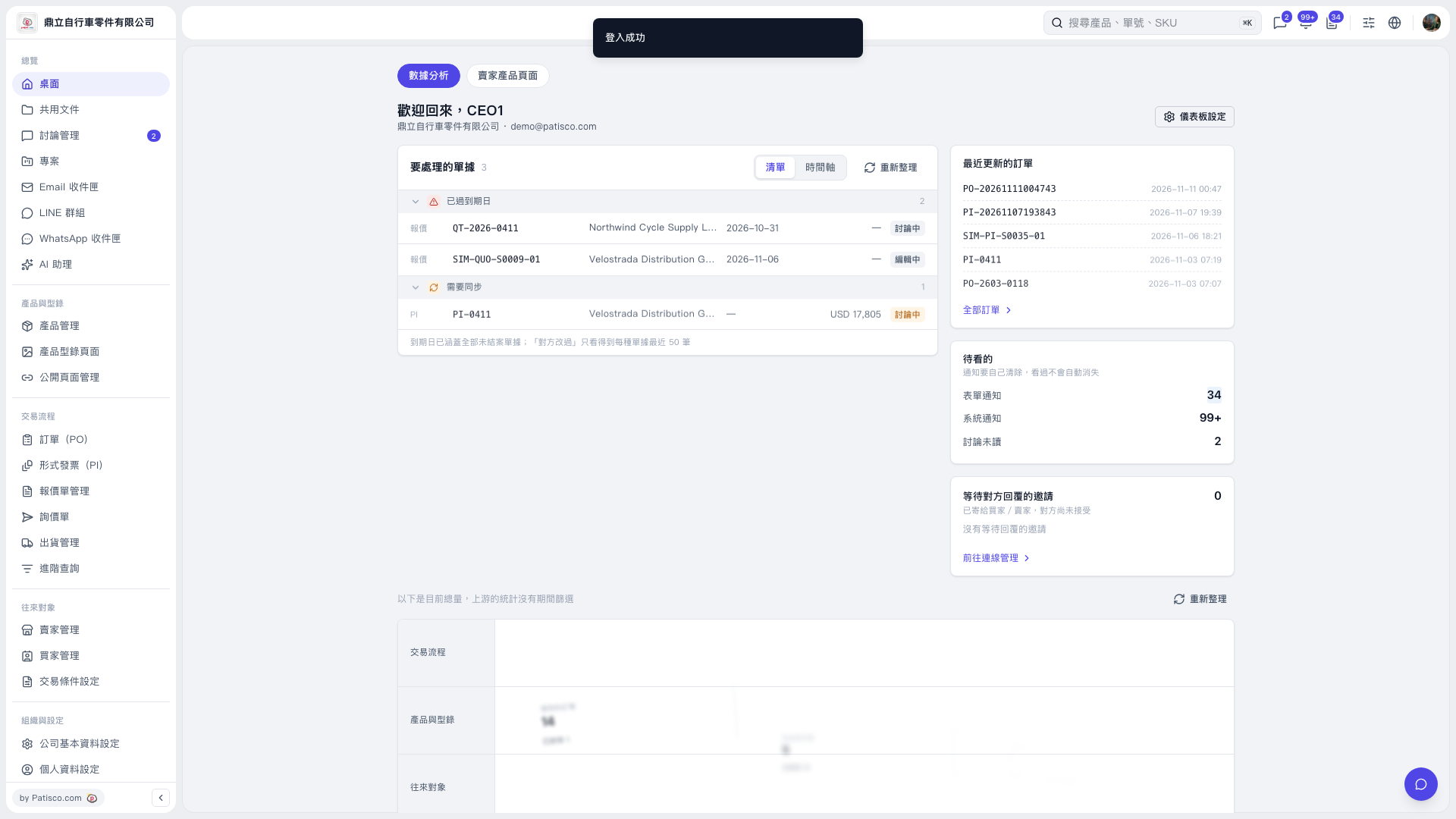 V5 新桌面版|桌面(數據分析)