1. First, finish entering the new item’s information and click the save button in the lower-right corner. 2. Return to “Item List (1)”, click “Edit” in the item’s row, and then upload the product image.
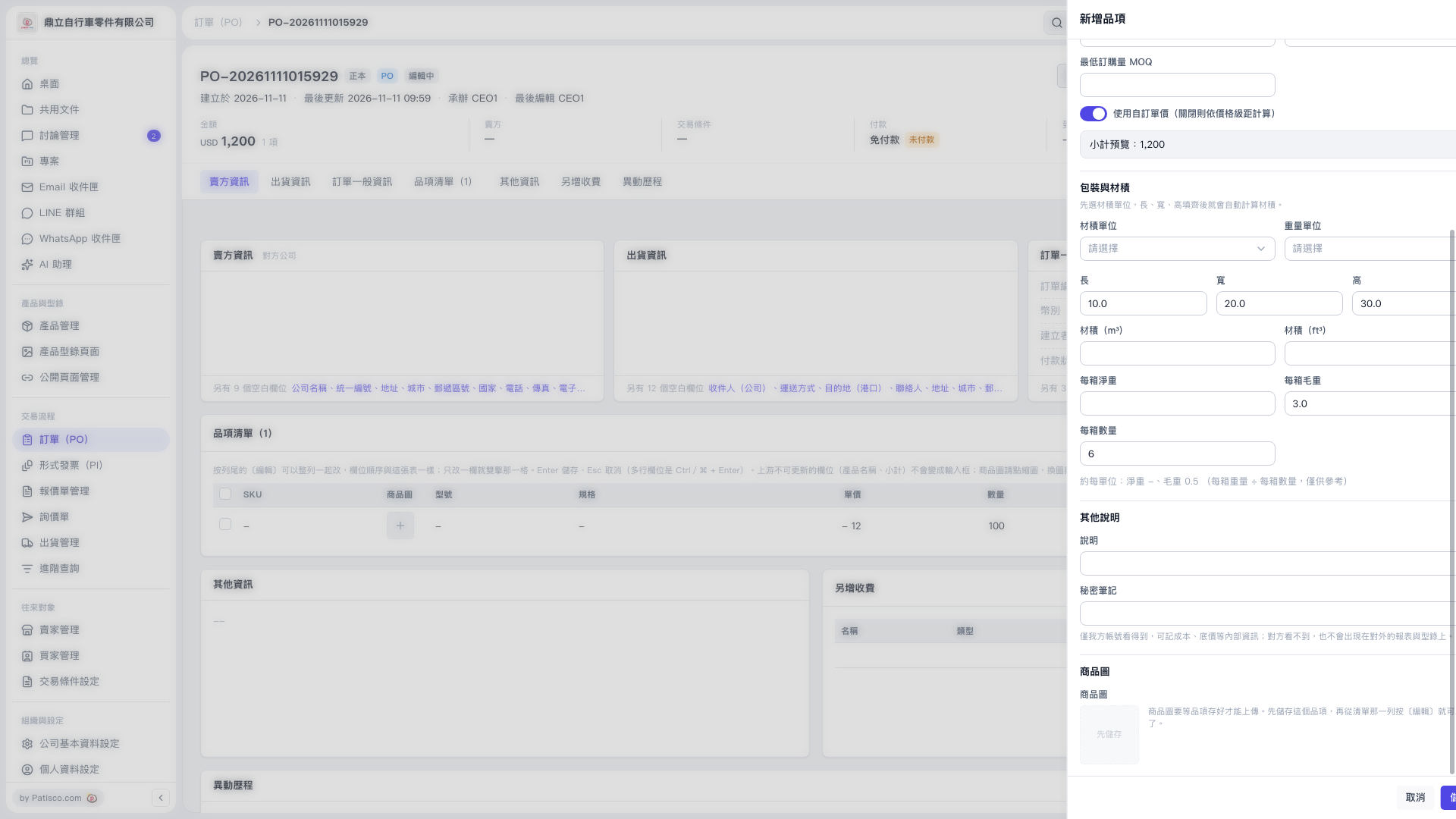 V5 新桌面版|訂單 PO-20261111015929

1. First, finish entering the new item’s information and click the save button in the lower-right corner. 2. Return to “Item List (1)”, click “Edit” in the item’s row, and then upload the product image.
V5 新桌面版|訂單 PO-20261111015929