
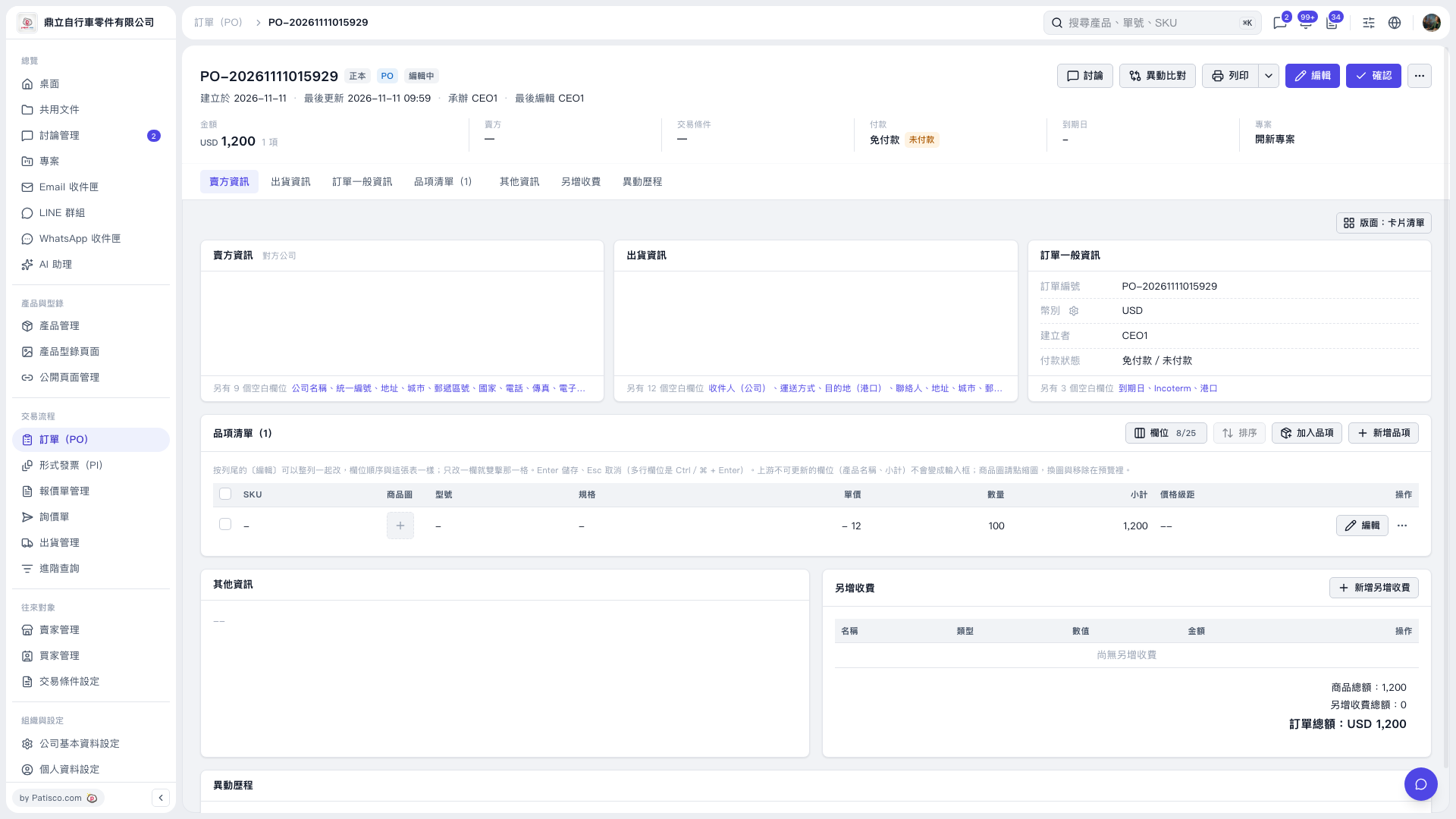
1. Open the PO you want to print and first check the PO number, items, quantities, and PO total. 2. Click "Print" in the upper-right corner. To view related options, click the dropdown arrow to the right of "Print". 3. Once the print preview or print interface opens, check the content to be printed, then select the print settings on the screen and complete printing. In this example, "Patisco Standard (Default)" was used, and the preview showed a quantity of 100, a unit price of USD 12, and a PO total of USD 1,200.
 V5 新桌面版|PO-20261111015929