
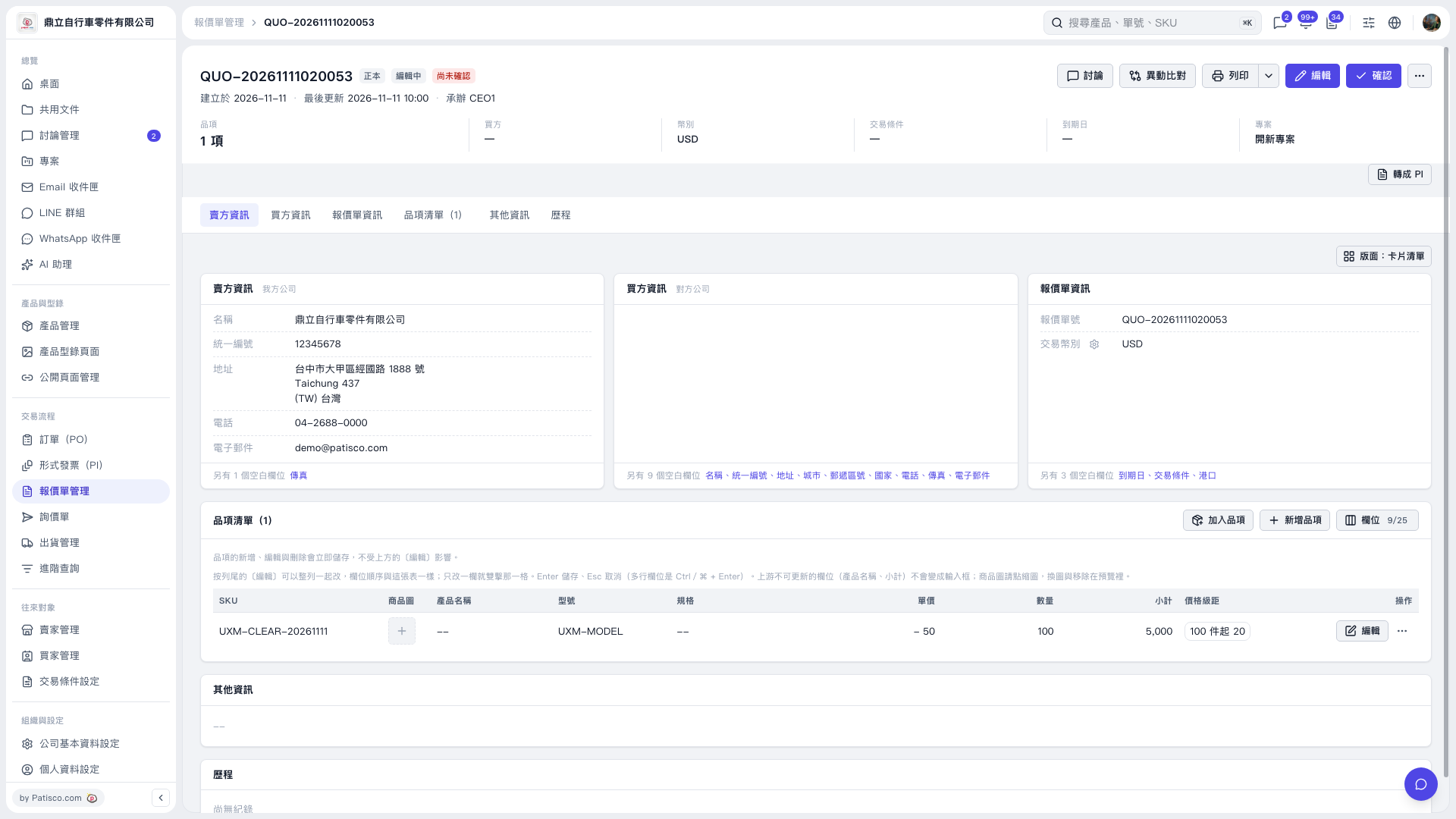
1. Check "Price Tiers" in the quotation's "Item List". It currently shows "20 for 100 units or more". 2. Click "Edit" on the right side of the item to open the item editing interface and check the remaining tiers. After reloading in this test, the tier with a quantity of 100 and a price of 20 remained, while the tier with a quantity of 200 and a price of 18 had been removed. 3. The current screen does not show any controls for deleting price tiers, so the location of the delete button cannot be confirmed from this screen.
 V5 新桌面版|QUO-20261111020053