
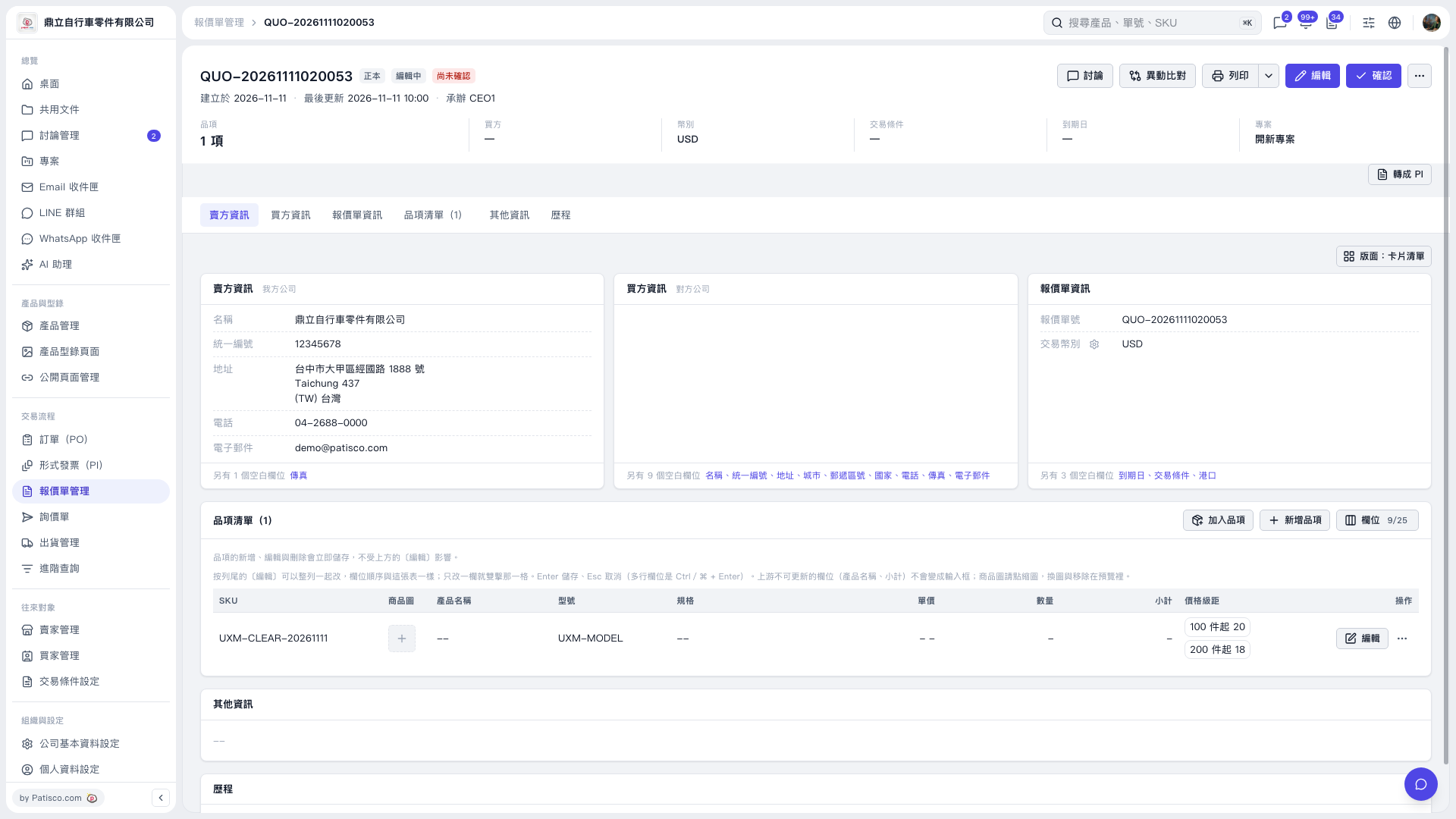
1. In the quotation's "Item List", find the item you want to modify by its SKU or model number. 2. Click the "Unit Price" cell, delete the existing value, and press Enter to save. Clear "Quantity" in the same way. To cancel the current edit, press Esc. 3. Check "Unit Price", "Quantity", and "Subtotal". After clearing the values, these fields will display dashes, and the existing "Price Tiers" will remain. In this test, after reloading and opening the quotation, the unit price and quantity were still blank, and the price tiers were still retained.
 V5 新桌面版|QUO-20261111020053