
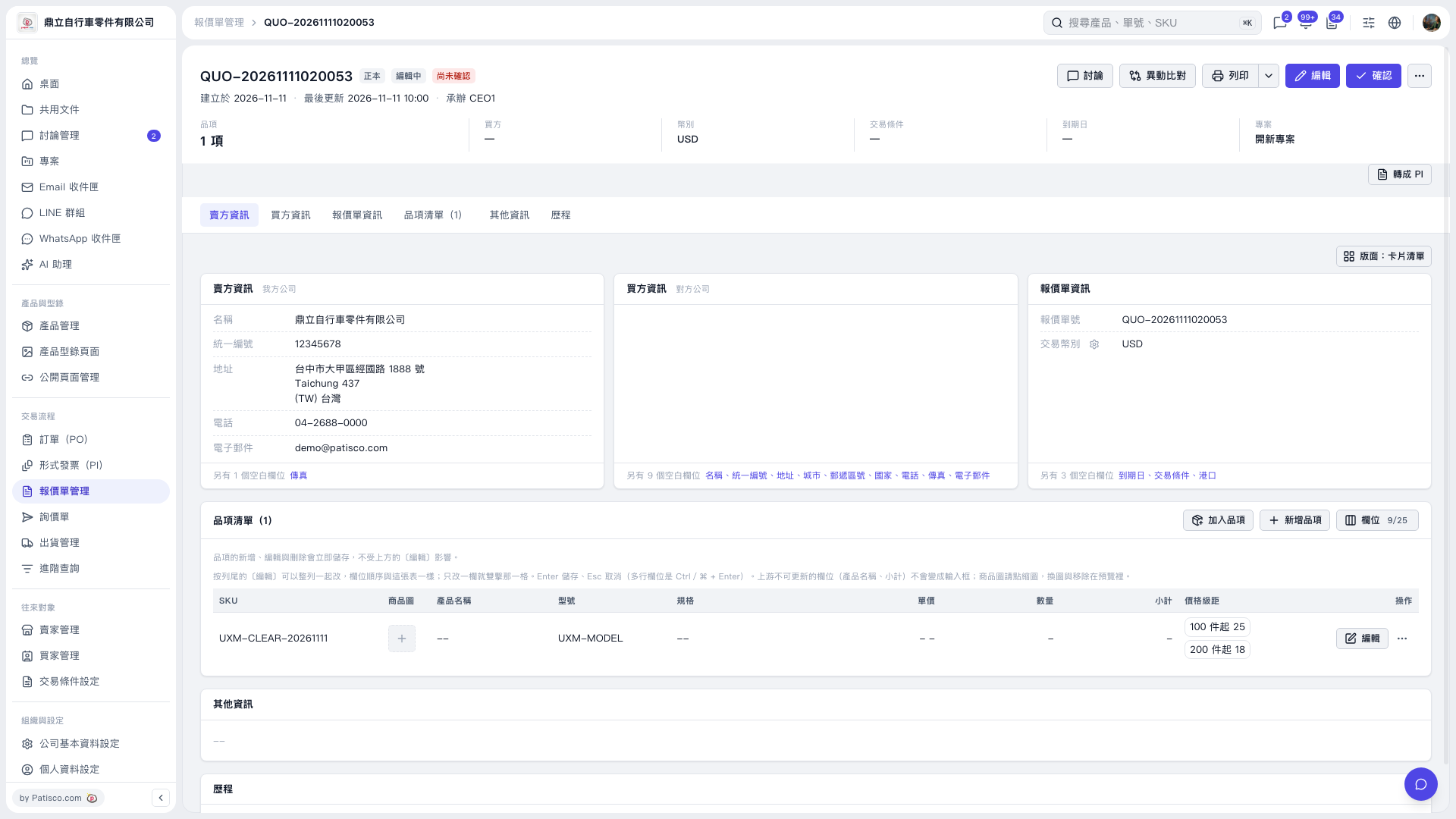
1. Open the quotation and check the quotation number, seller, buyer, and item information. To make changes, click "Edit" in the upper-right corner or "Edit" on the right side of the item list. 2. Click "Print" in the upper-right corner to proceed with printing. To view other print options, click the down arrow to the right of "Print". 3. Check the print preview. In this example, "Patisco Standard (Default)" was used. The item's quantity and unit price were blank, but the preview still showed the price tiers: USD 25 for MOQ 100 and USD 18 for MOQ 200. 4. After confirming the content, complete printing using the print screen that opens.
 V5 新桌面版|QUO-20261111020053