
1. Under “Category Filters” on the left, select the criteria you need, such as “Brand” or “Sales Method Requirements”. 2. To filter by price, enter the “Minimum” and “Maximum” prices under “Price Range”, then click “Apply”. 3. In the search bar above the product list, select “Item name”, enter a keyword, and press Enter to search. 4. Use “Created Date” and “High to low” to adjust the sorting as needed.
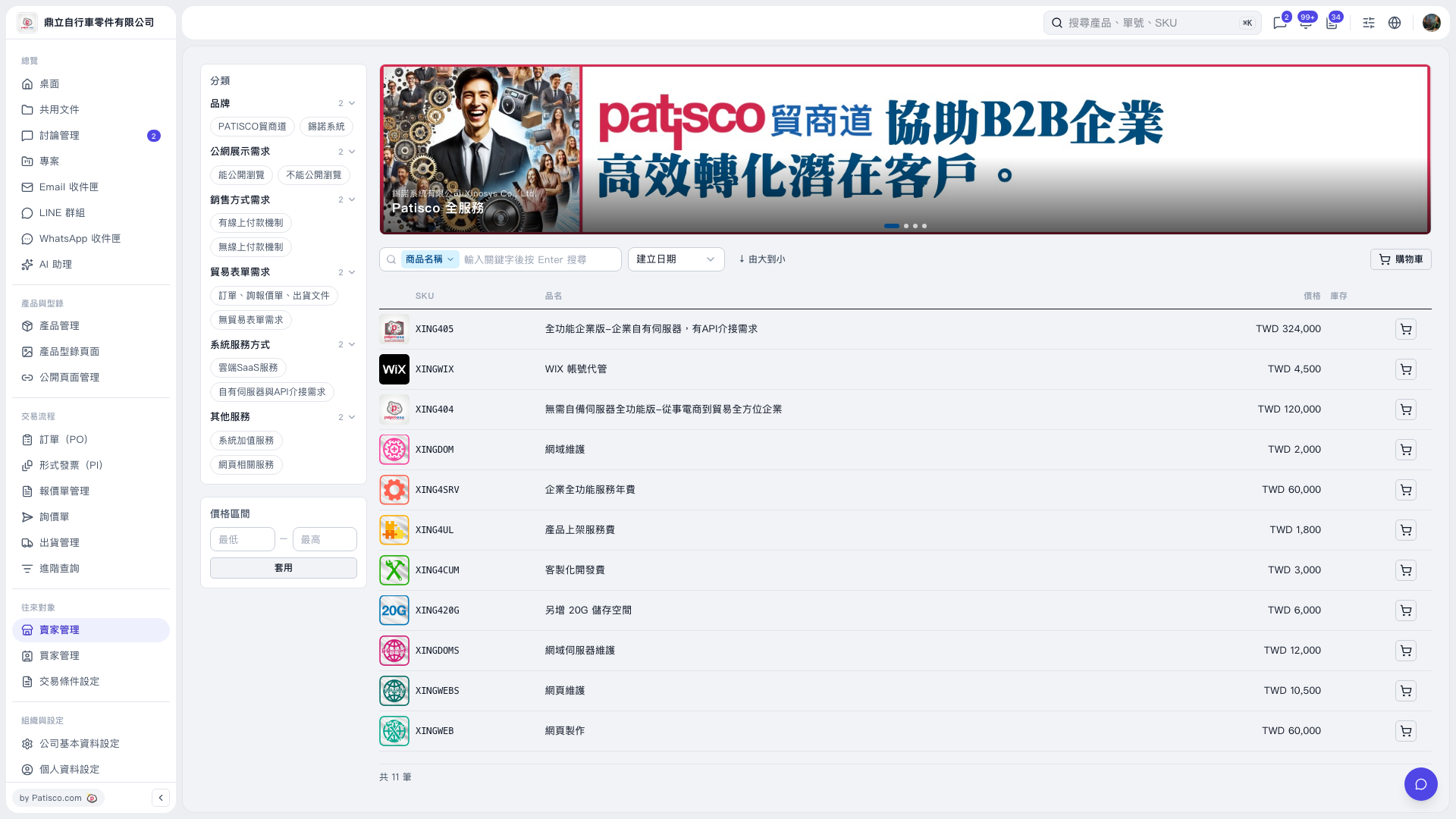 V5 新桌面版|賣家產品型錄