
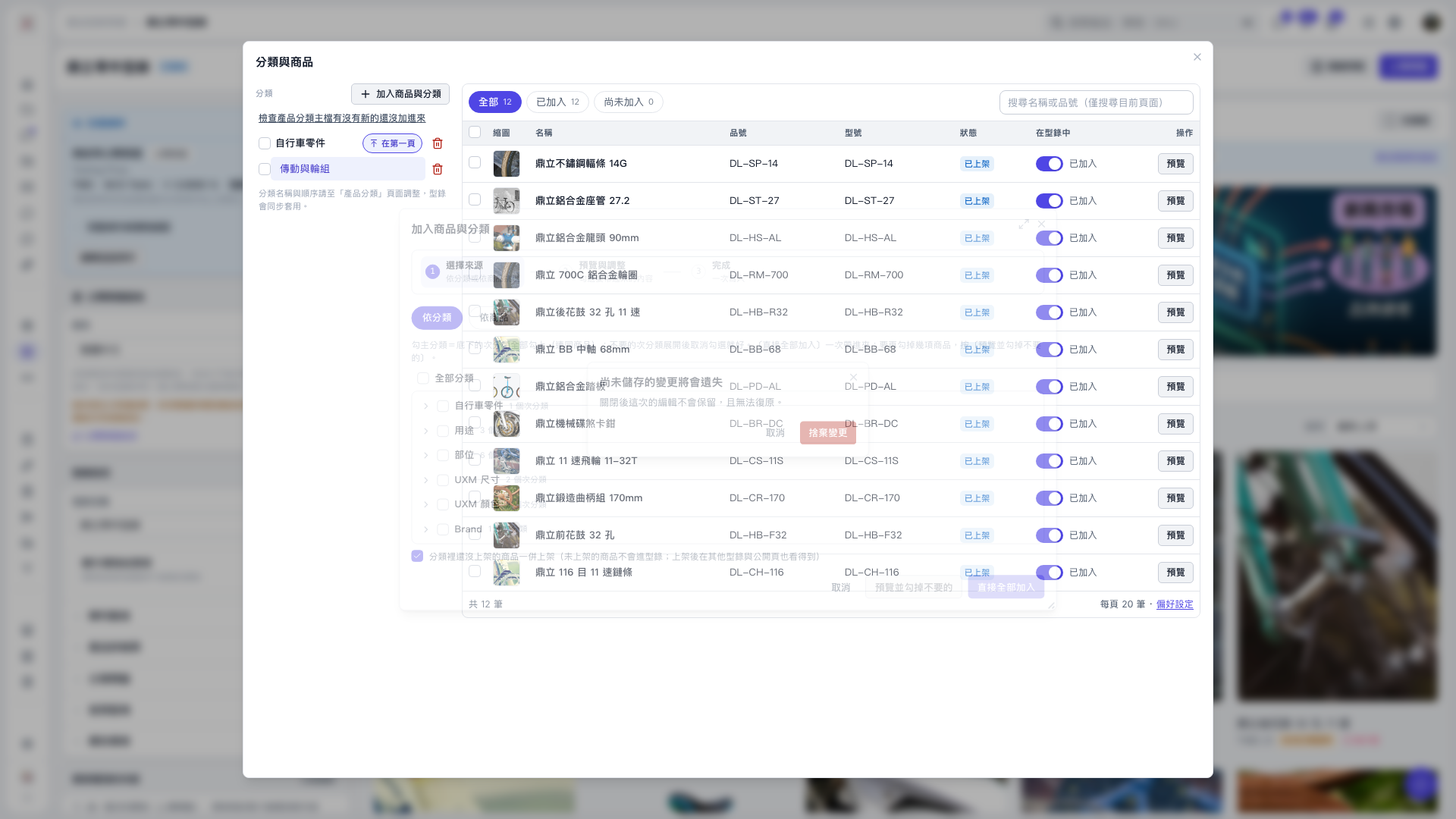
1. On the "Categories and Products" page, click "Add Products and Categories". If an unsaved changes confirmation dialog appears, click "Cancel" to return to editing. 2. Select "By Category" and check the categories you want to add. Checking a main category also selects its subcategories and products. Check "All Categories" to select everything, or expand a category and uncheck any subcategories you do not want. 3. Check whether "Also publish unpublished products in the selected categories" meets your needs. These products are published by default. 4. Click "Add All Directly" to add them immediately, with no further confirmation step. Back in the list, switch between "Added" and "Not Added" to check the results. 5. You can ask: "Do I need to preview before adding an entire category to the catalog?" The AI will reply: "No. After selecting the categories, click 'Add All Directly'. You only need to preview if you want to exclude some products first."
 V5 新桌面版|分類與商品