
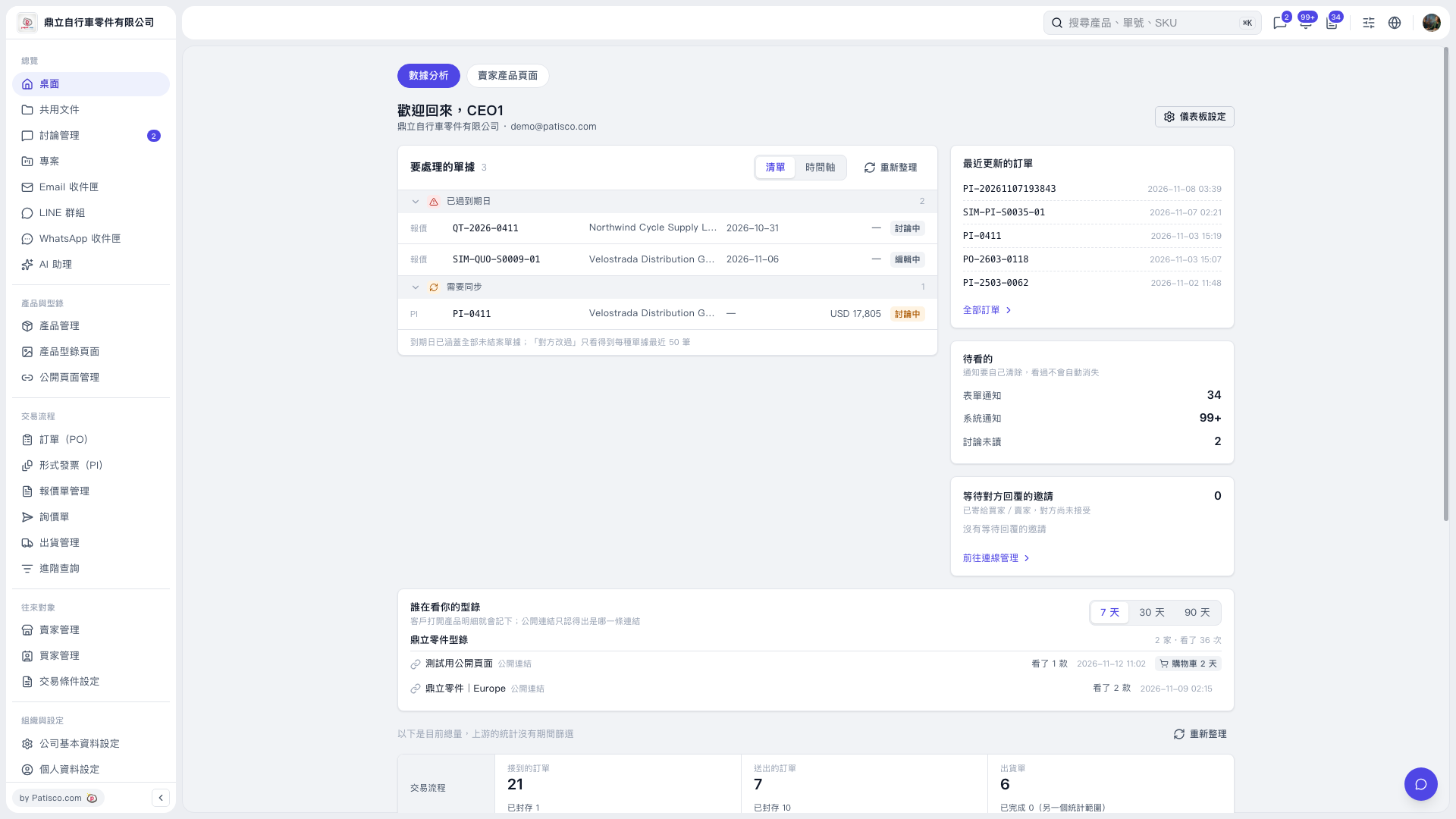
1. Click "Desktop" in the left sidebar and open the "Data Analytics" tab. 2. Find the "Who Is Viewing Your Catalogs" section and click "7 Days" in the upper-right corner. If it is already selected, you can view the data directly. 3. Check "Companies Viewed" and "Views" on the right of each catalog, then check "Products Viewed", "Browsing Time", and "Cart Status" for each public link record. 4. To view a longer period, switch to "30 Days" or "90 Days".
 V5 新桌面版|桌面(數據分析)