
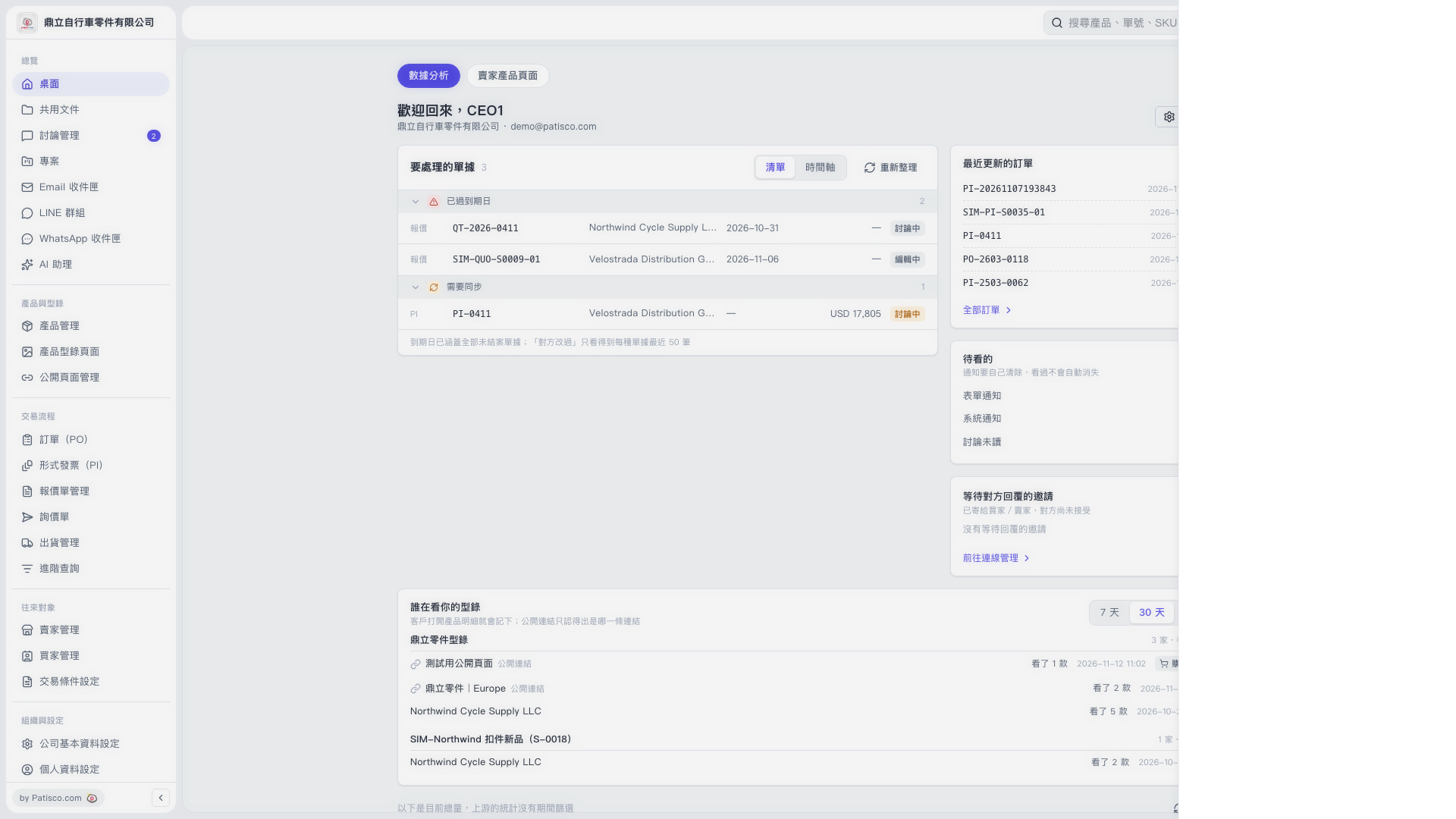
1. On the Desktop's "Data Analytics" page, find the "Who Is Viewing Your Catalogs" section. 2. Click "7 Days" or "30 Days" to set the reporting period you want to view. 3. Find the catalog you want to check and click a public link browsing record below it to open the details drawer on the right. 4. The drawer is blank in this screenshot, so visitor details and any further available actions cannot be confirmed.
 V5 新桌面版|桌面(數據分析)