
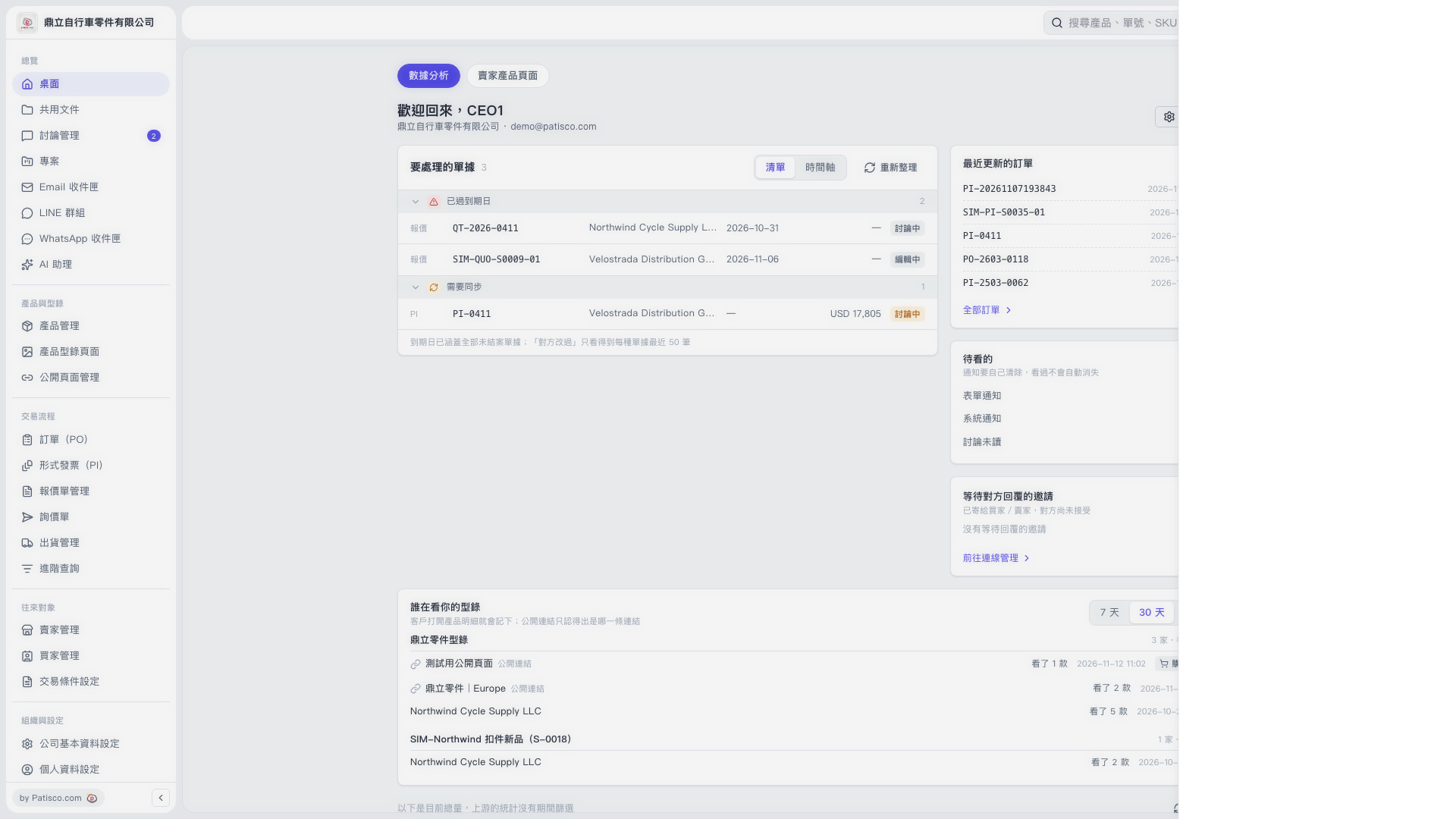
1. Click "Data Analytics" at the top of the Desktop. 2. Find the "Who Is Viewing Your Catalogs" section below. 3. Click "7 Days" or "30 Days" in the upper-right corner of the section to switch between browsing statistics for the past 7 or 30 days. "30 Days" is currently selected on the screen. 4. For each catalog, check "Company / Public Link Name", "Products Viewed", and "Browsing Time".
 V5 新桌面版|數據分析