
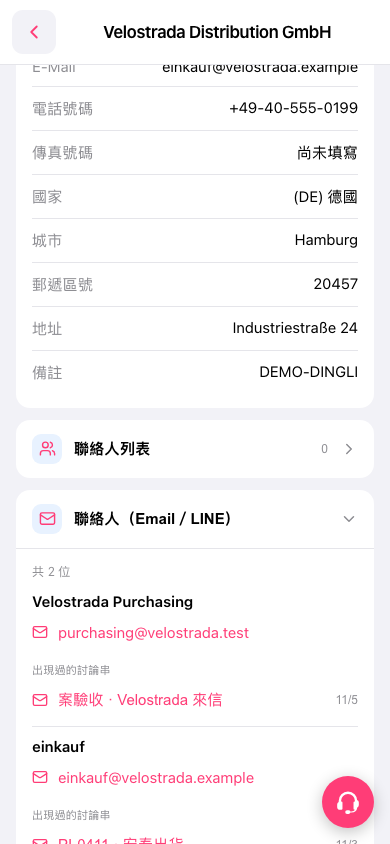
1. On the buyer company’s details page, scroll down to the “Contacts (Email / LINE)” section. If the section is collapsed, tap its heading to expand it. 2. View the contact names and email addresses. For example, on the “Velostrada Distribution GmbH” page, you can tap the “purchasing@velostrada.test” email link below “Velostrada Purchasing.” 3. To view the correspondence, tap a title under that contact’s “Threads this contact has appeared in,” such as “Project acceptance · Email from Velostrada.” 4. To open the separate contact list, tap “Contact list” at the top of the page.
 手機版|Velostrada Distribution GmbH