
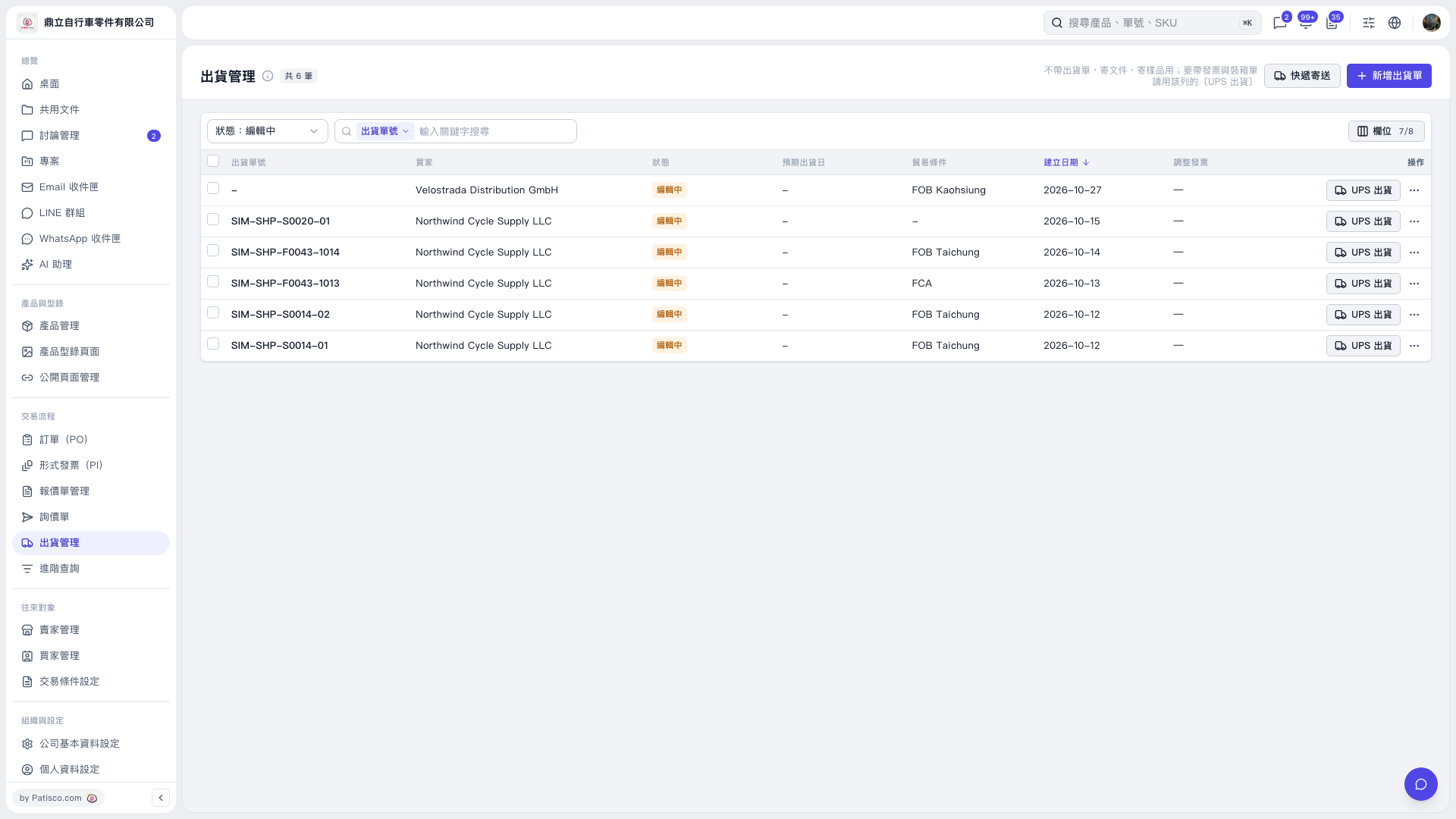
1. Under “Trading Process” on the left, click “Shipping Management.” 2. To create a new shipping order, click “Add Shipping Order” in the upper-right corner. 3. To find an existing shipping order, use the “Status: Editing” filter above the list, or select a search field under “Shipping Order Number / Enter a Keyword to Search” and enter a keyword. 4. After finding the shipping order, click “⋯” at the far right of its row to view the available actions.
 V5 新桌面版|出貨管理