
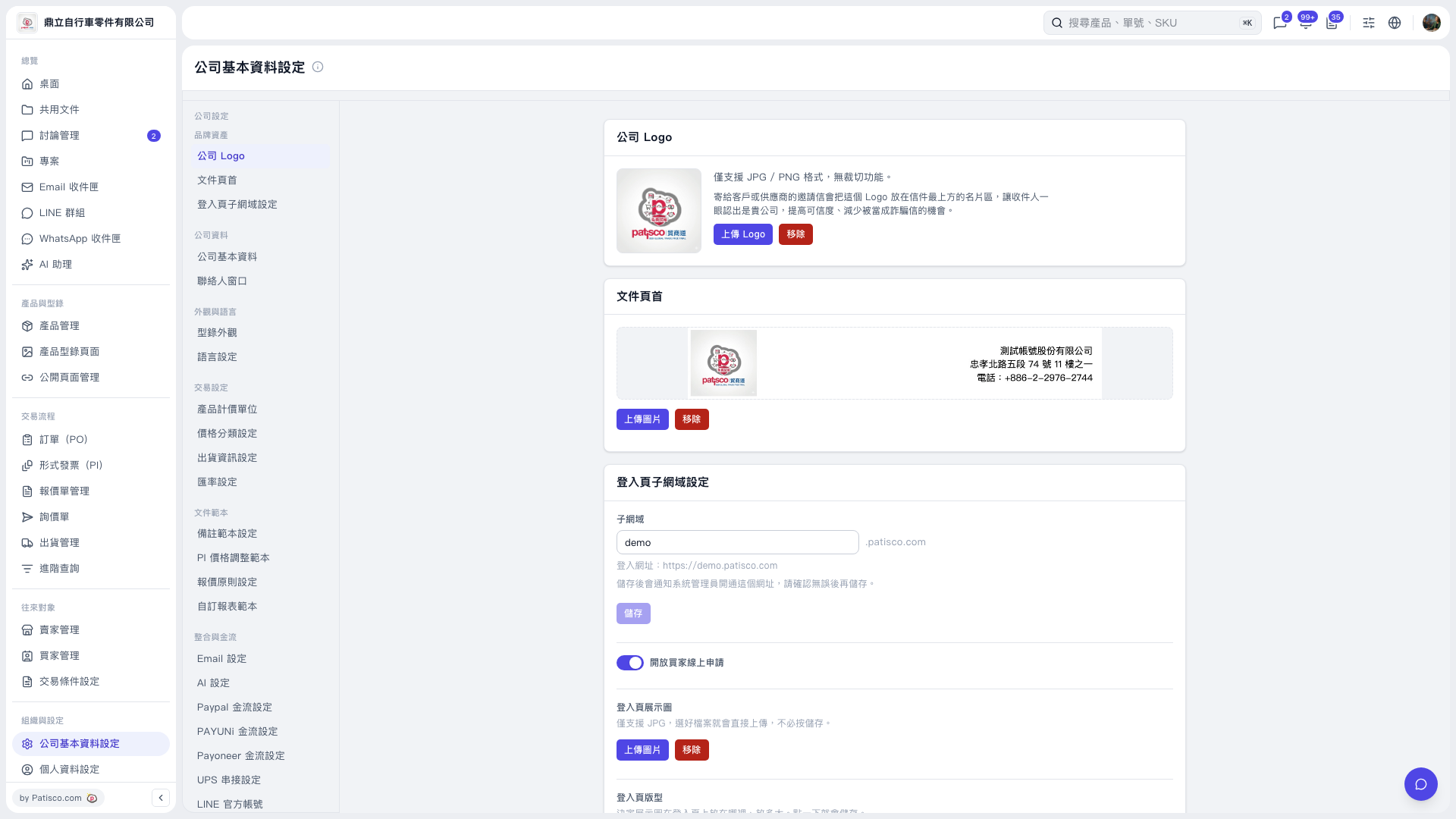
1. On the “Company Basic Information Settings” page, enter a name in the “Subdomain” field under “Login Page Subdomain Settings.” 2. Check the “Login URL” below, then click “Save.” The page indicates that saving will notify the system administrator to activate the URL. 3. Toggle “Allow Buyers to Apply Online” as needed to set whether to accept online applications from buyers.
 V5 新桌面版|公司基本資料設定