
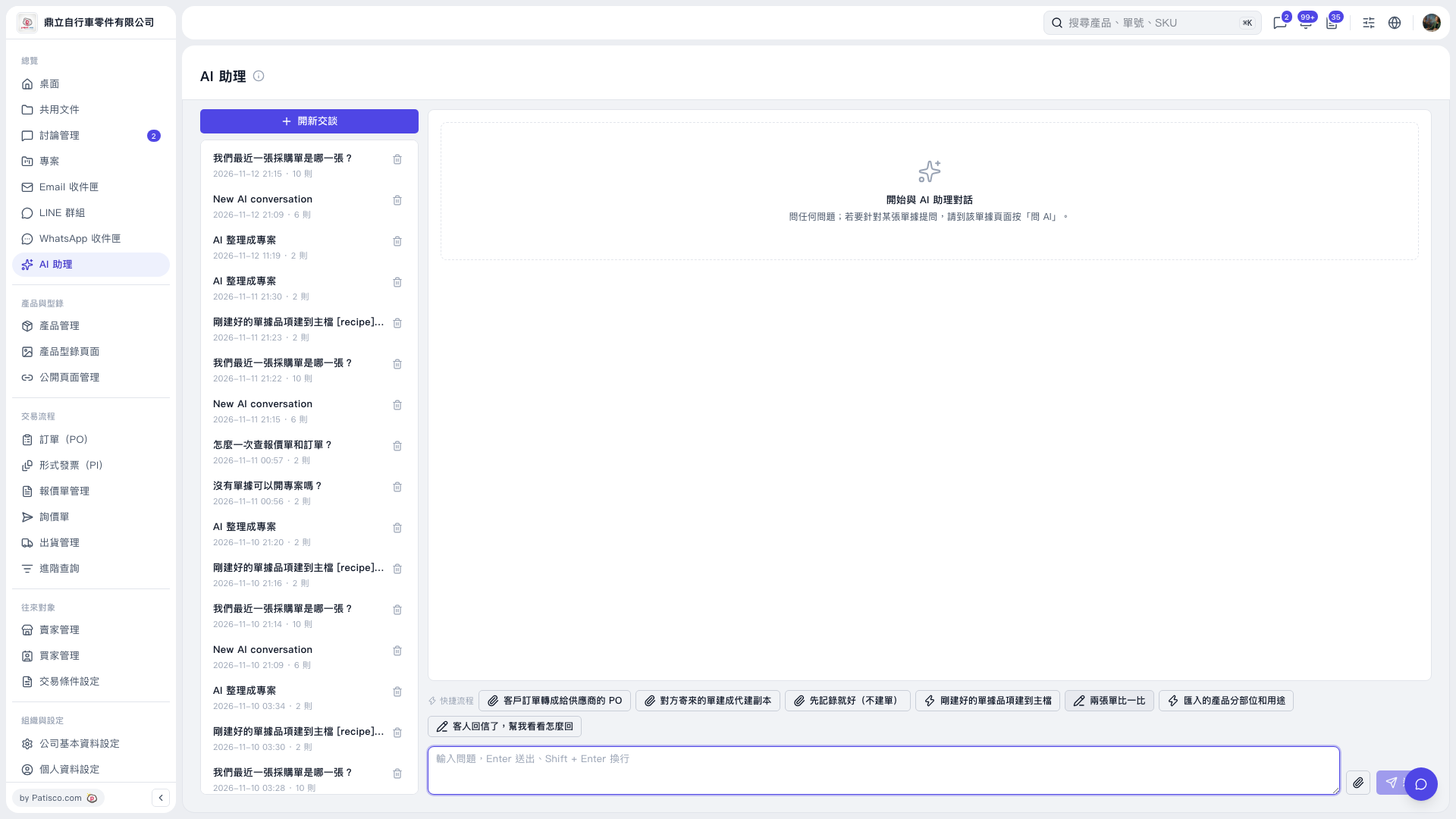
1. On the “AI assistant” page, click “New Conversation.” 2. Click “Compare Two Documents” above the message input box and follow the conversation prompts to provide the two documents to compare. To attach files, click “Attachment (paperclip icon).” 3. Add your comparison requirements in the input box. You can ask: “Compare PO ____ with inquiry ____,” replacing the blanks with the information for the documents you want to compare. 4. Press Enter or click “Send (paper airplane icon),” then read the AI's reply in the central conversation area. Use Shift + Enter to insert a line break while typing. In this demonstration, the question was entered but not sent, so there is no actual AI reply to refer to.
 V5 新桌面版|AI 助理