
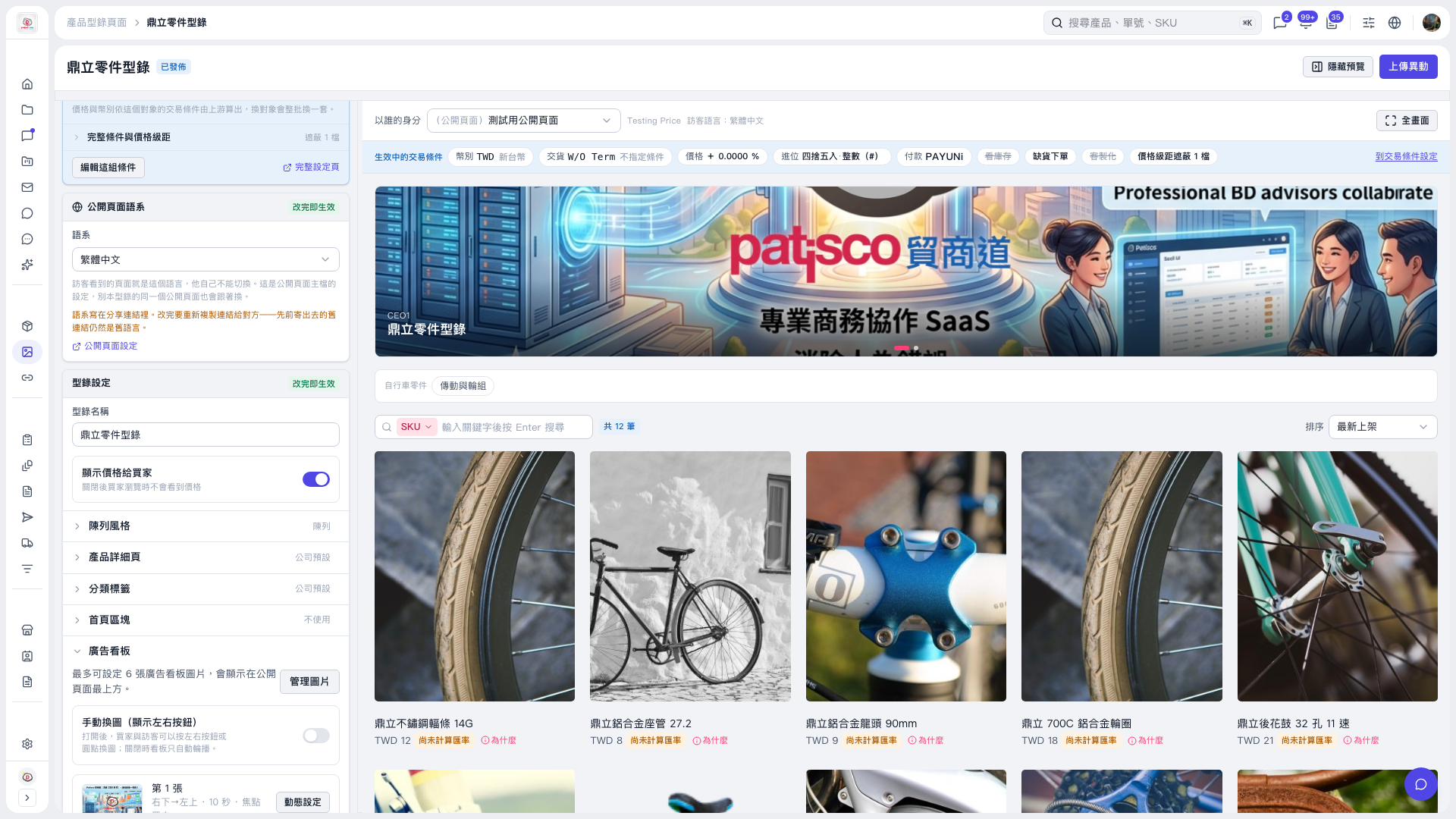
1. In the "Banner" section on the left, enable "Switch images manually (show left/right buttons)" so buyers can switch images using the left/right buttons or dots. When this is disabled, images rotate automatically. 2. Check the result in the preview on the right, then click "Upload Changes" in the upper-right corner.
 V5 新桌面版|鼎立零件型錄