
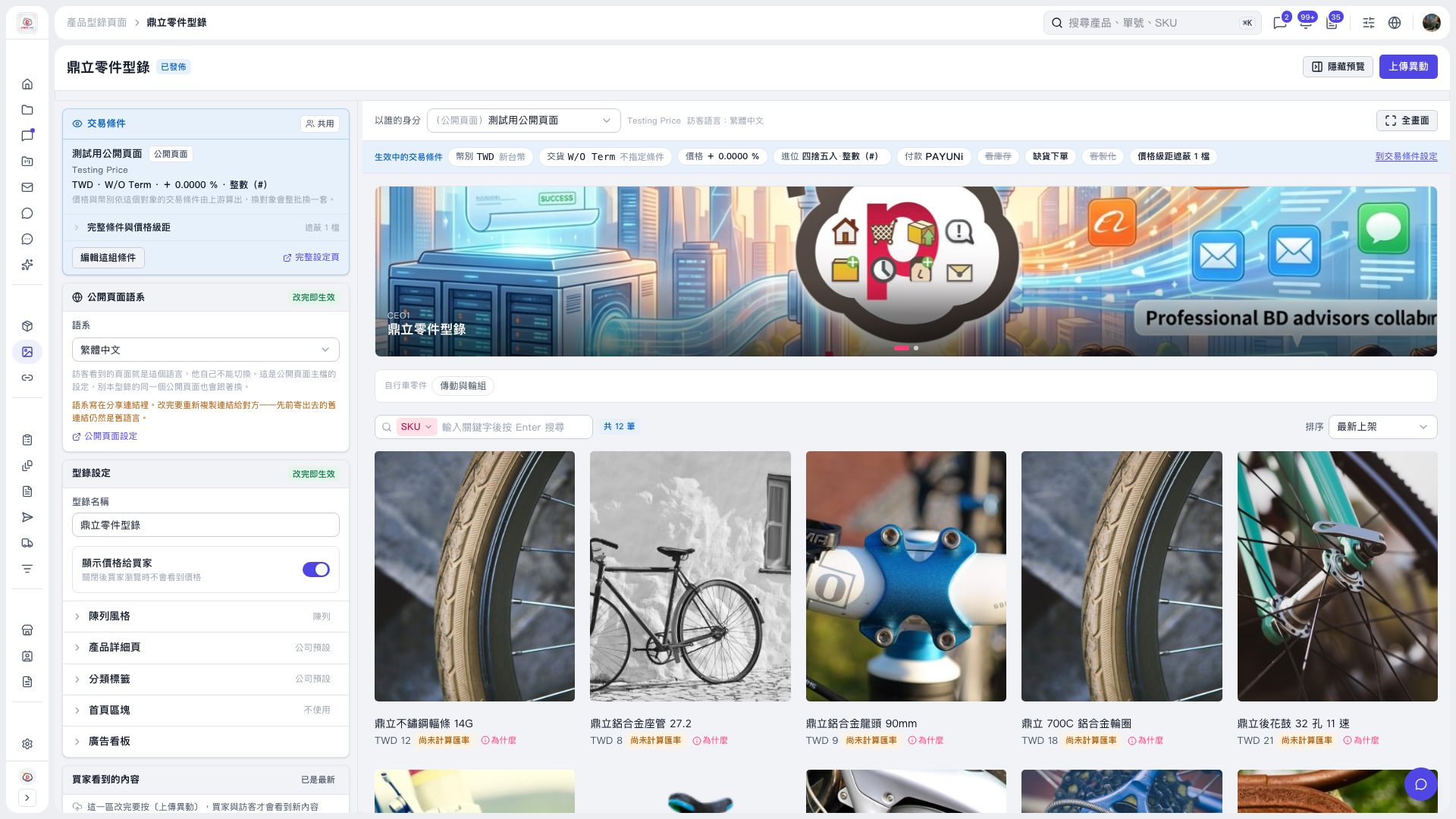
1. On the "Ding Li Parts Catalog" page, click "Banner" on the left to expand its settings. 2. In the preview area on the right, click "View as" to select a preview identity and check the banner display and animation. In this test, the preview contained two banners, and the animation on the banner displayed at the time played correctly. 3. To view a larger preview, click "Full Screen" in the upper-right corner of the preview area. 4. If you changed any settings, check them and then click "Upload Changes" in the upper-right corner so buyers and visitors can see the updated content.
 V5 新桌面版|鼎立零件型錄