
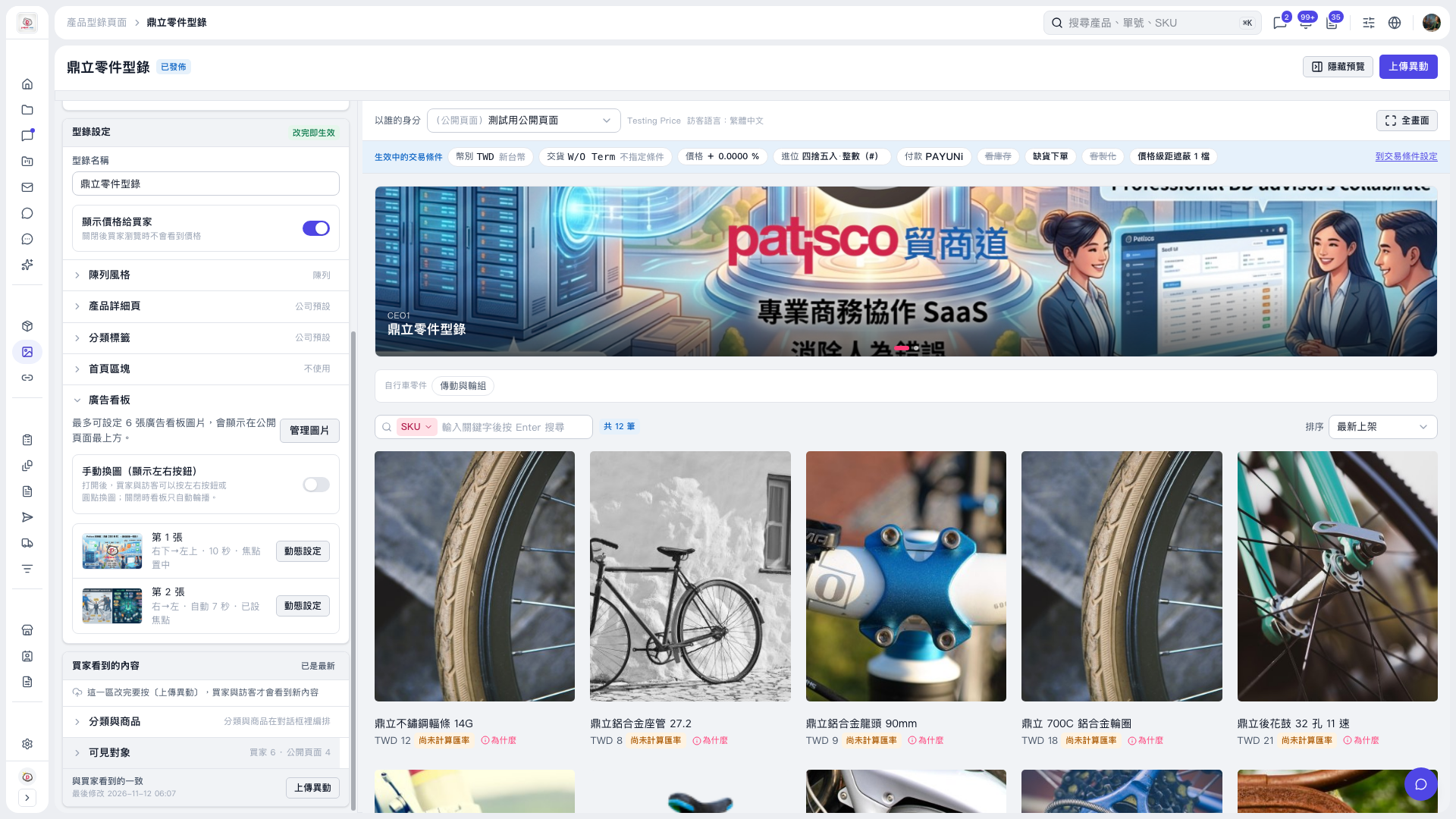
1. On the catalog editing page, expand "Banner" in the settings panel on the left. 2. Enable "Switch images manually (show left/right buttons)". The switch is currently off, so banners only rotate automatically. The left/right buttons are hidden, and the dots only indicate the current slide; they cannot be clicked to switch images. 3. After enabling it, check that the left/right buttons appear in the preview on the right, and test image switching using the buttons or carousel dots. 4. Once you have checked the result, click "Upload Changes" so buyers and visitors can see the updated content.
 V5 新桌面版|鼎立零件型錄