
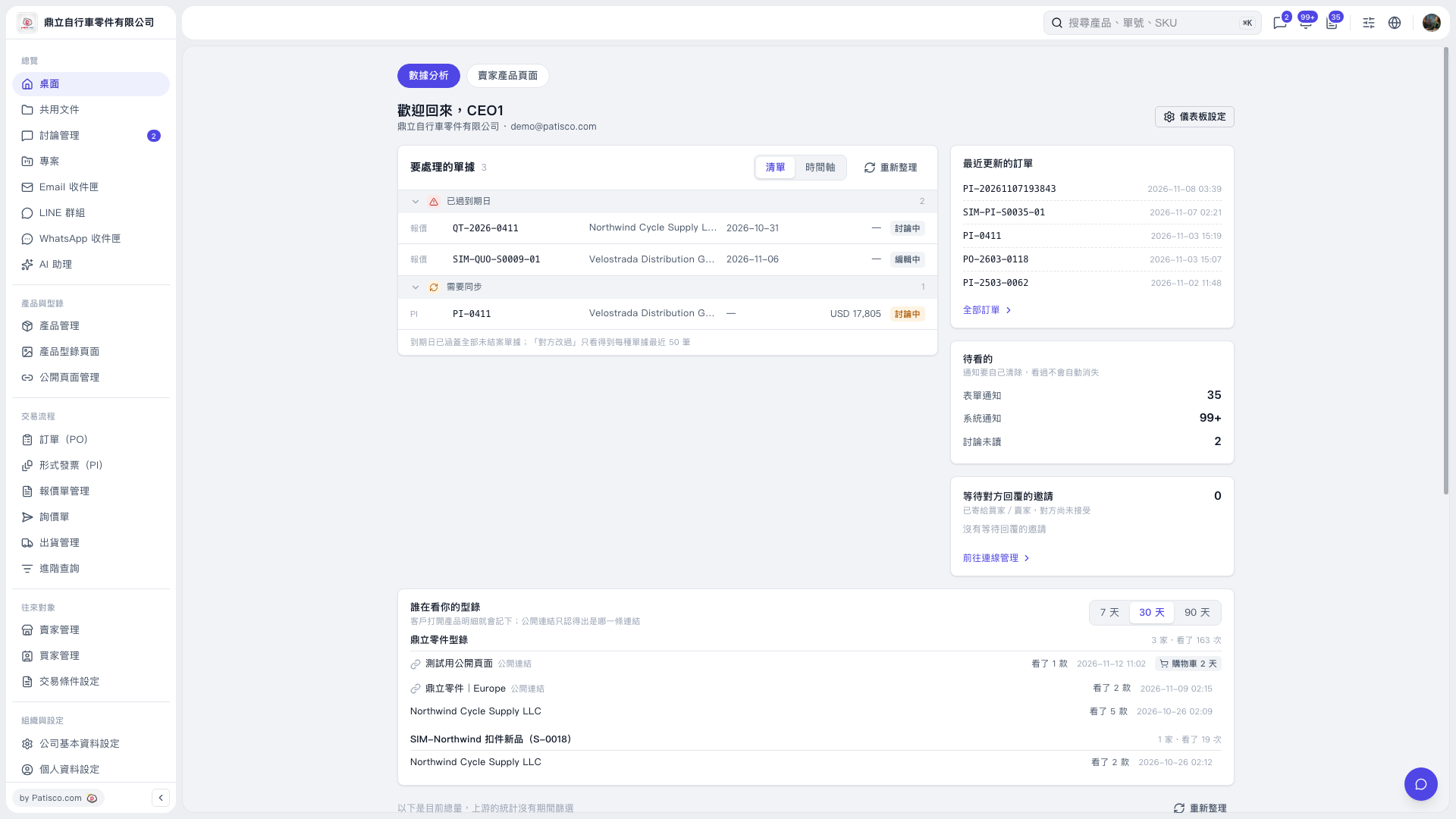
1. Click "Desktop" on the left to view the "Analytics" dashboard. 2. In "Documents to Process", check documents that are past due or require syncing, and identify the items that need attention by their "Document Number". 3. Switch between "List" and "Timeline" views, and click "Refresh" to update the data.
 V5 新桌面版|桌面/數據分析