
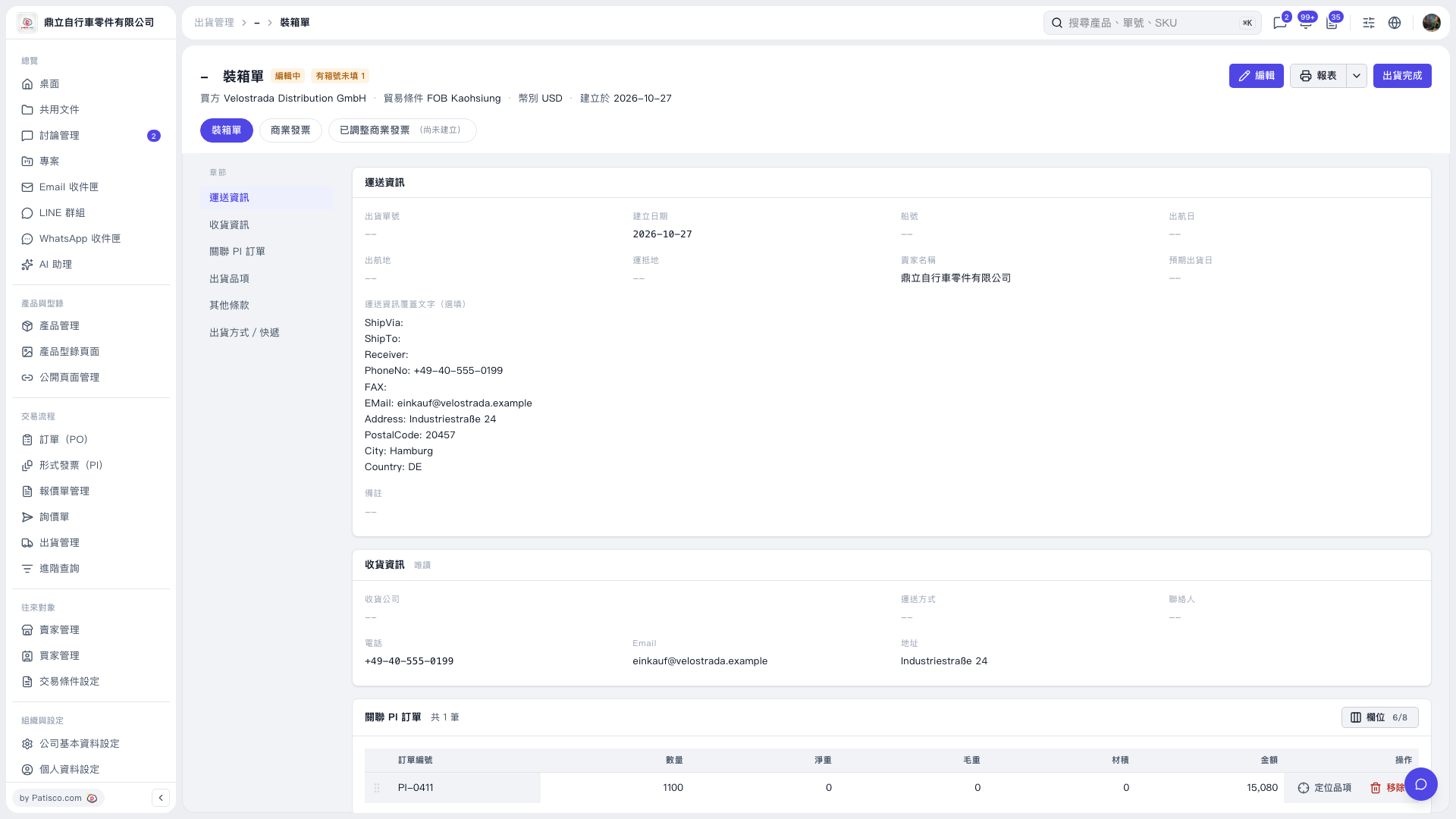
1. On the "Packing List" page, click "Edit" in the upper-right corner. 2. Find "Shipment Items" in the section navigation on the left, check the item indicated by the "1 missing carton number" notice, and enter the missing carton number. 3. After editing, confirm that the data has been saved, then click "Report" in the upper-right corner to view the packing list. 4. After confirming that the shipment data is correct and the shipment has been completed, click "Shipment Complete".
 V5 新桌面版|裝箱單