
1. If you see “This document is already in another project and cannot be linked to this project,” the document is already linked to another project and cannot be linked to the current project. 2. Check the document you want to link. To select a different document that is not already linked to another project, click “Link an Existing Document” at the upper right of “Milestones” and try again.
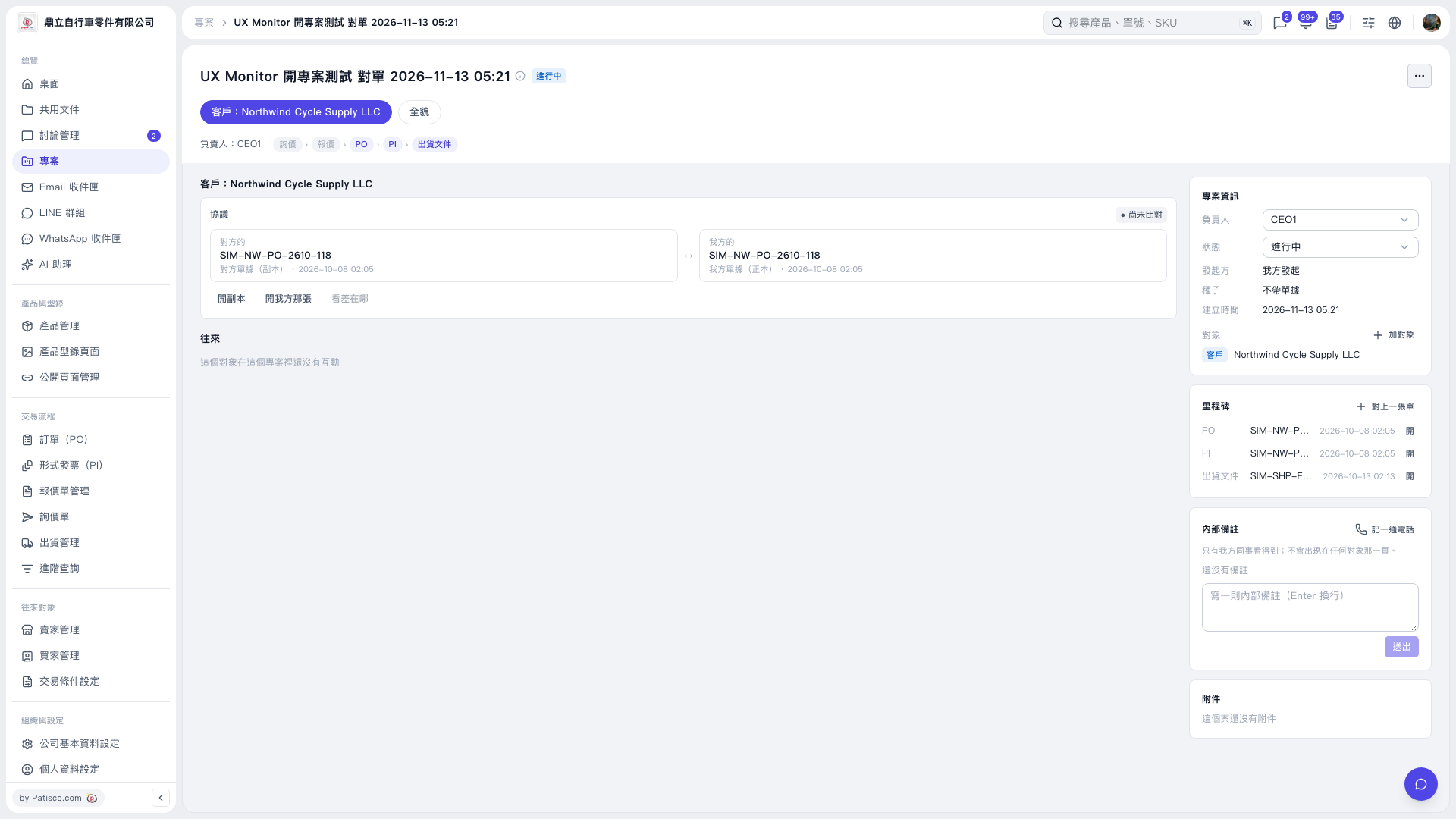 V5 新桌面版|UX Monitor 開專案測試 對單 2026–11–13 05:21