
1. Check the shipment number and customer name at the top of the page to confirm that this is the project you want to work on. 2. To view shipping documents, find “Shipping Documents” under “Milestones” on the right and click “Open” at the right end of that row. 3. To link an existing document, click “Link an Existing Document,” then select a document on the following screens.
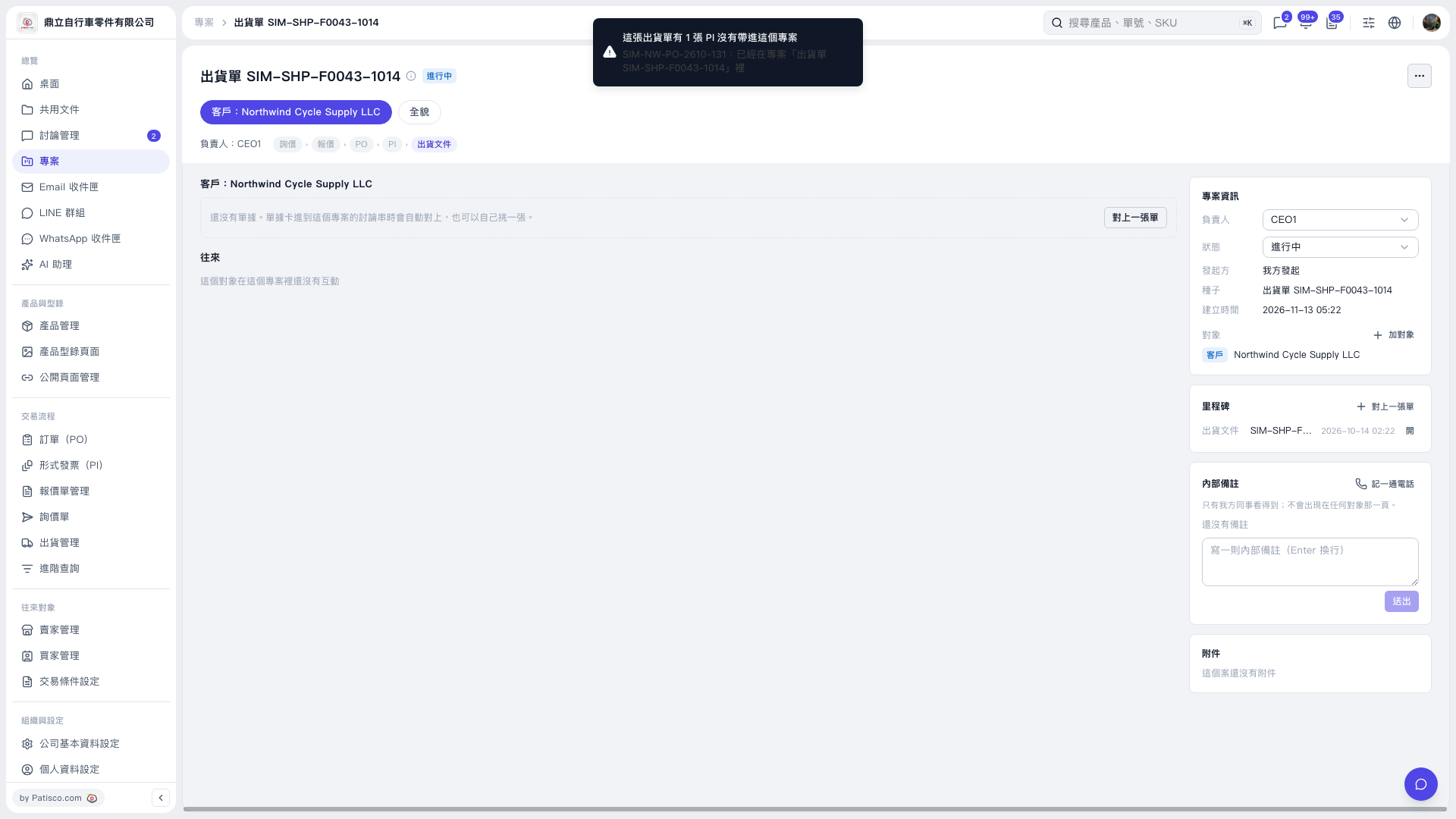 V5 新桌面版|出貨單 SIM–SHP–F0043–1014