
1. On the “Projects” page, click “Ask AI to Organize” at the upper right to have AI help organize your projects. 2. Wait for the process to finish, then click “View Proposals” in the AI organization notification bar above the list. There are 2 proposals available after this run. 3. You can ask: “Help me organize messages from the past 7 days that have not been linked to a project.” An example AI response is: “Scanned 69 messages from the past 7 days that have not been linked to a project and recommend creating 2 new projects; 55 messages could not be assigned to a project and will be left as they are. Another 25 messages are already in projects and will not be changed.”
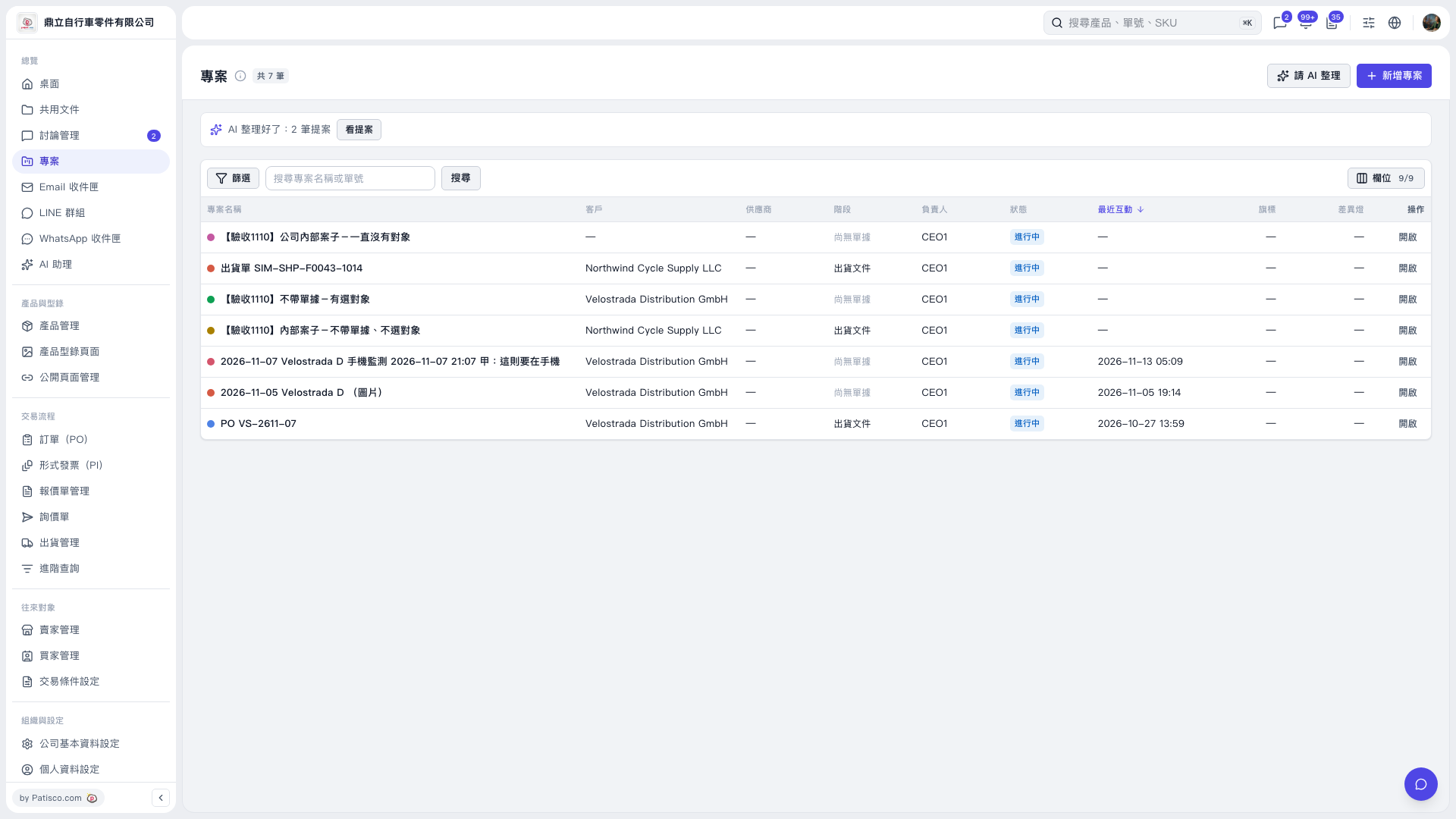 V5 新桌面版|專案