
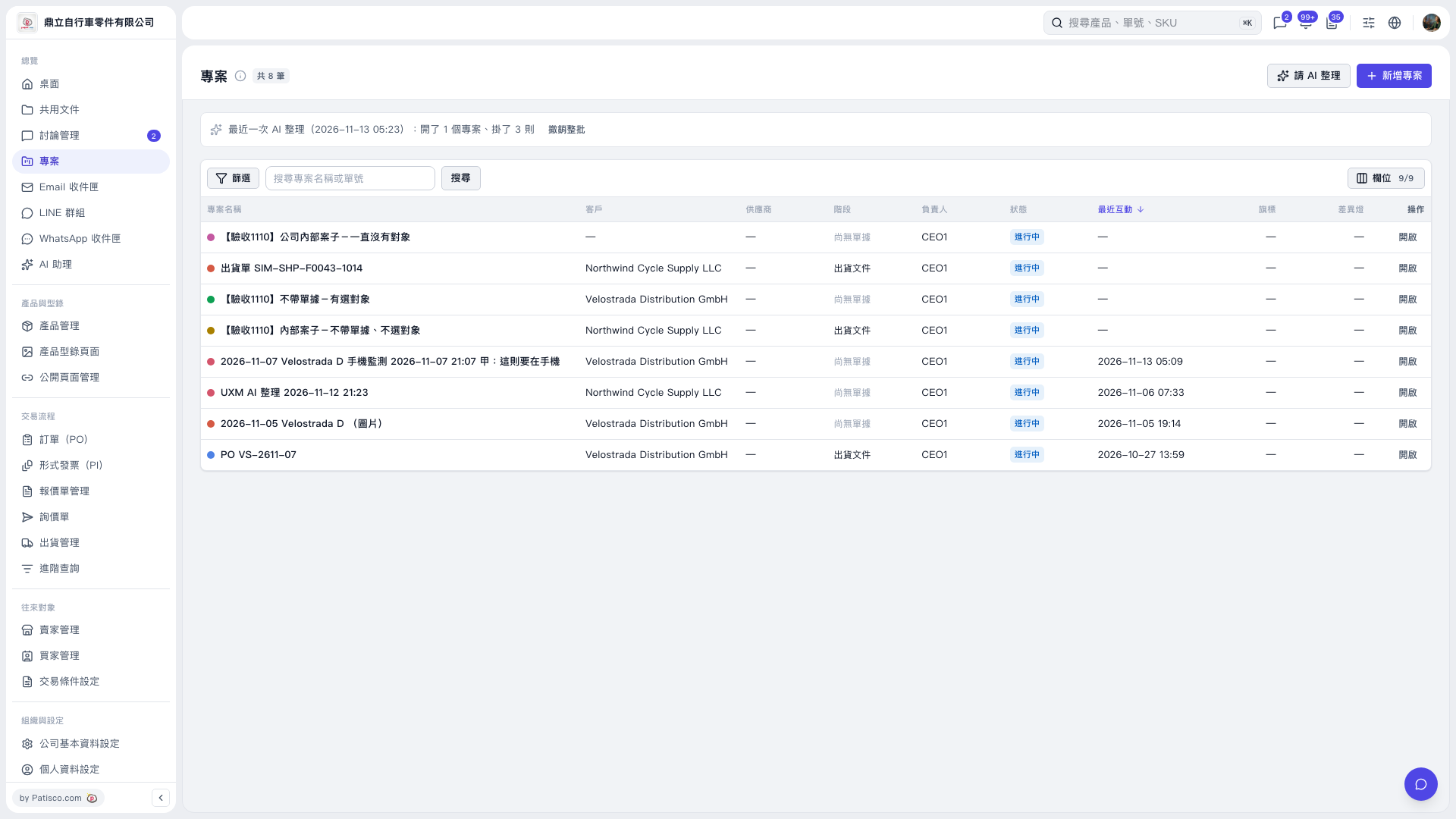
1. On the “Projects” page, check the AI organization results summary above the list. 2. Enter the name of the project created by AI in “Search Project Name or Document Number” and click “Search.” 3. Click “Open” on the right of the target project to check its contents. In this test, after excluding 1 message, the created project “UXM AI 整理 2026-11-12 21:23” contains 3 messages. 4. To undo the entire batch of results from the most recent AI organization run, click “Undo Entire Batch” in the notification bar above the list.
 V5 新桌面版|專案