
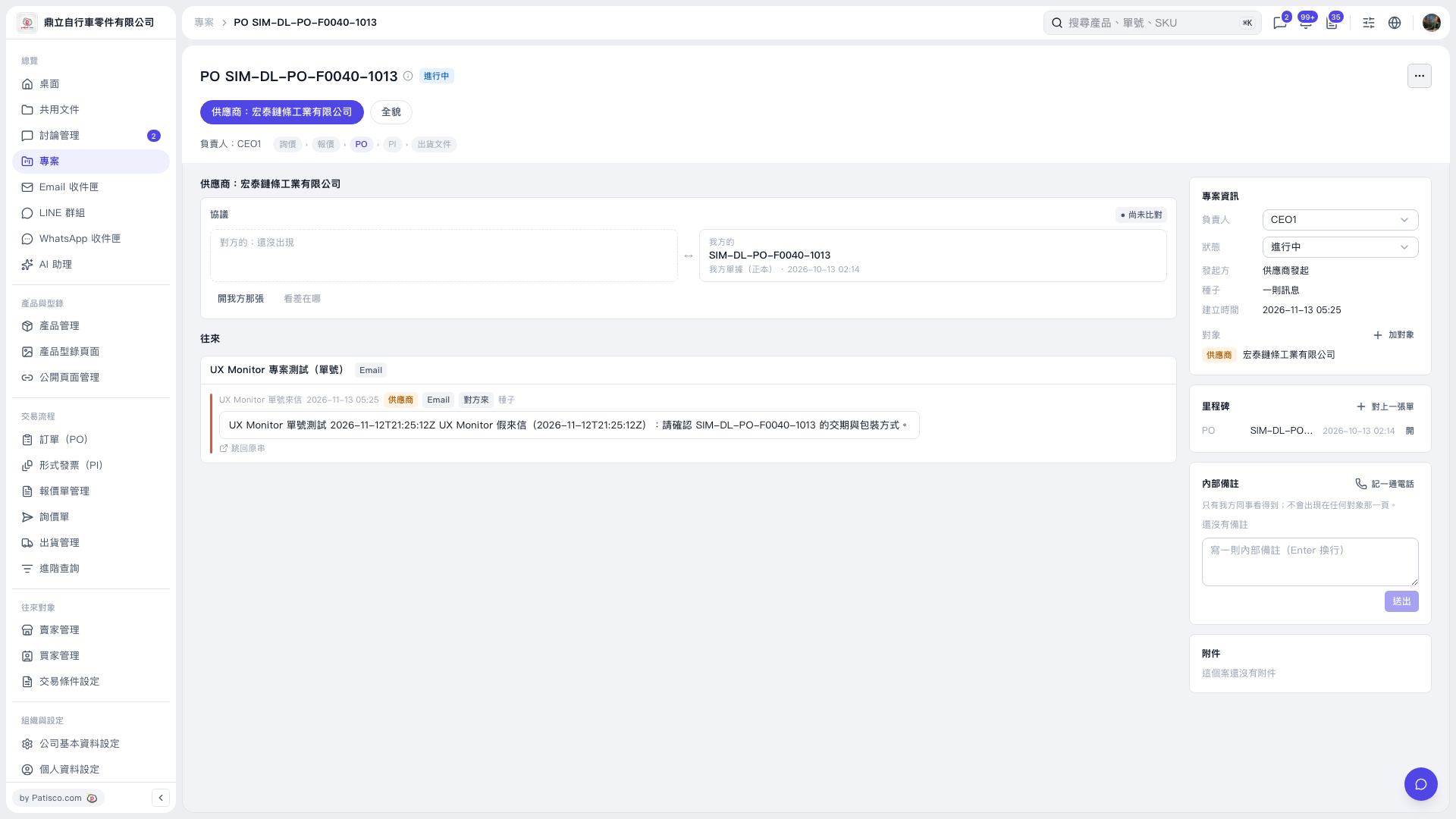
1. Open the PO project and confirm the project name and the currently selected PO stage. 2. In the agreement section, click “Open Our Version” to view our PO. “View Differences” is currently grayed out, and the agreement is marked as not yet compared. 3. Read the emails in “Messages” to confirm the supplier’s delivery schedule and packaging requirements. To view the original thread, click “Back to Original Thread”. 4. To view a PO linked in the milestones, click “Open” in that row.
 V5 新桌面版|PO SIM–DL–PO–F0040–1013