
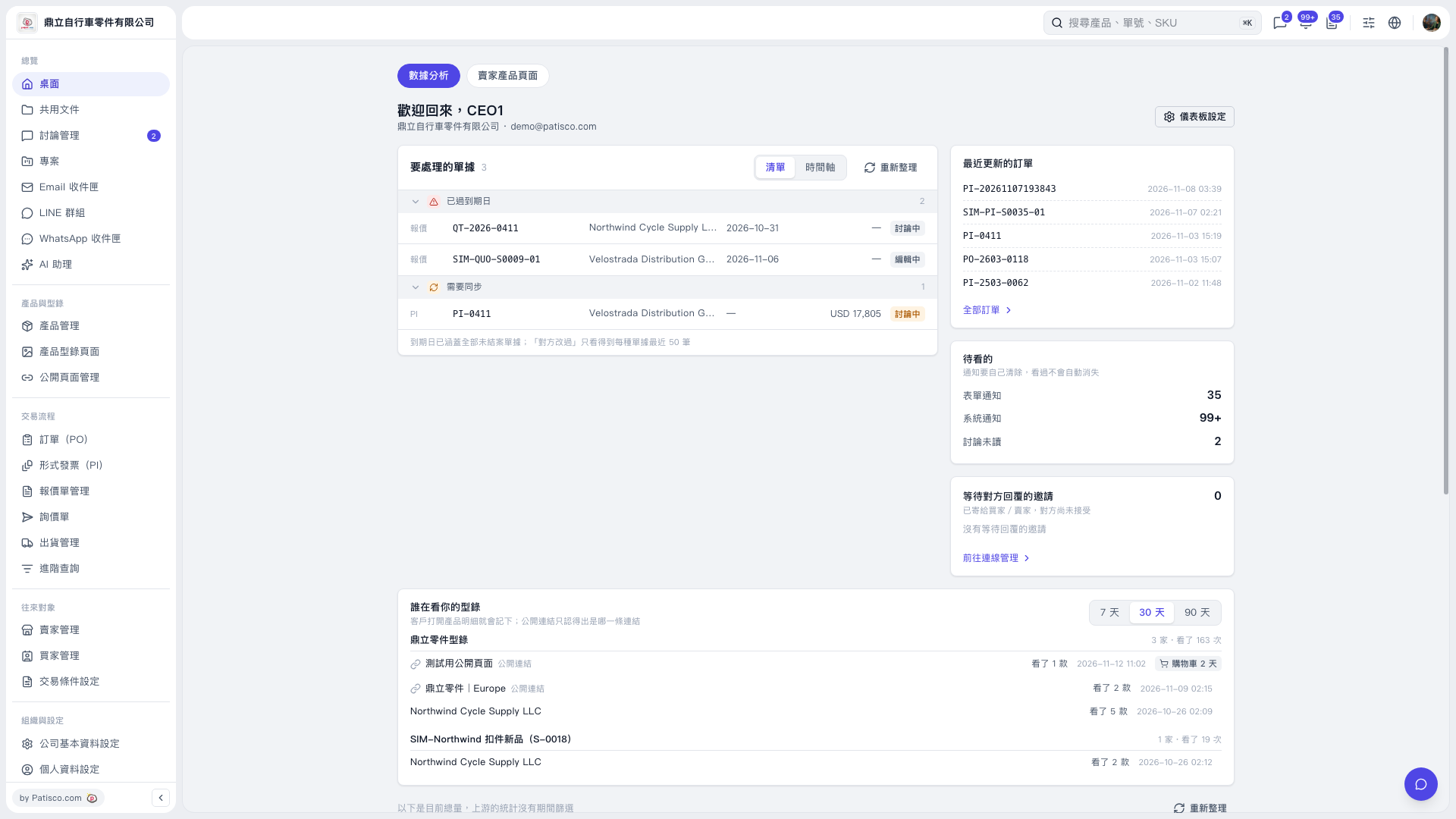
1. Click “Desktop” on the left and confirm that “Analytics” is selected at the top. 2. Find the “Who Is Viewing Your Catalog” section below and select “7 Days”, “30 Days”, or “90 Days”. 3. Check the number of companies that viewed each catalog and the number of views. Then review each row for the browsing source/customer name, number of product styles viewed, and viewing time. You can also check the shopping cart indicators on the right. 4. If the source is “Public Link”, the link name can tell you which entry point the visitor used, but it cannot confirm the visitor’s identity.
 V5 新桌面版|桌面-數據分析