
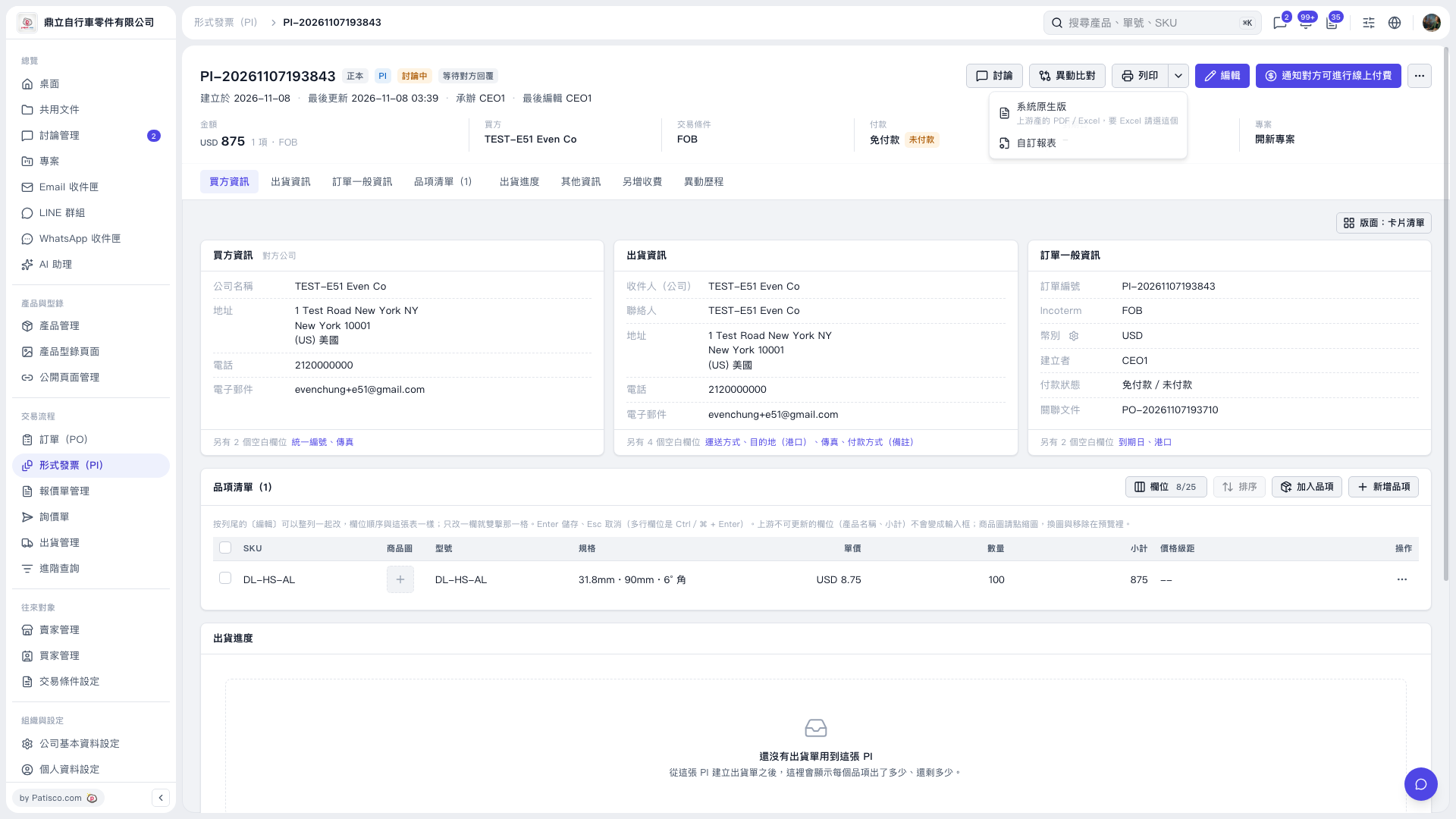
1. Open the Proforma Invoice you want to print and confirm that the invoice number, buyer information, line items, quantities, and amounts are correct. 2. Click the drop-down arrow next to "Print" in the upper right to expand the print menu. 3. To use the system's default report or export to Excel, select "System default", which provides PDF and Excel options. To use a custom report, select "Custom report". 4. Use the options on the subsequent screens to complete printing or export.
 V5 新桌面版|形式發票(PI)-PI-20261107193843