
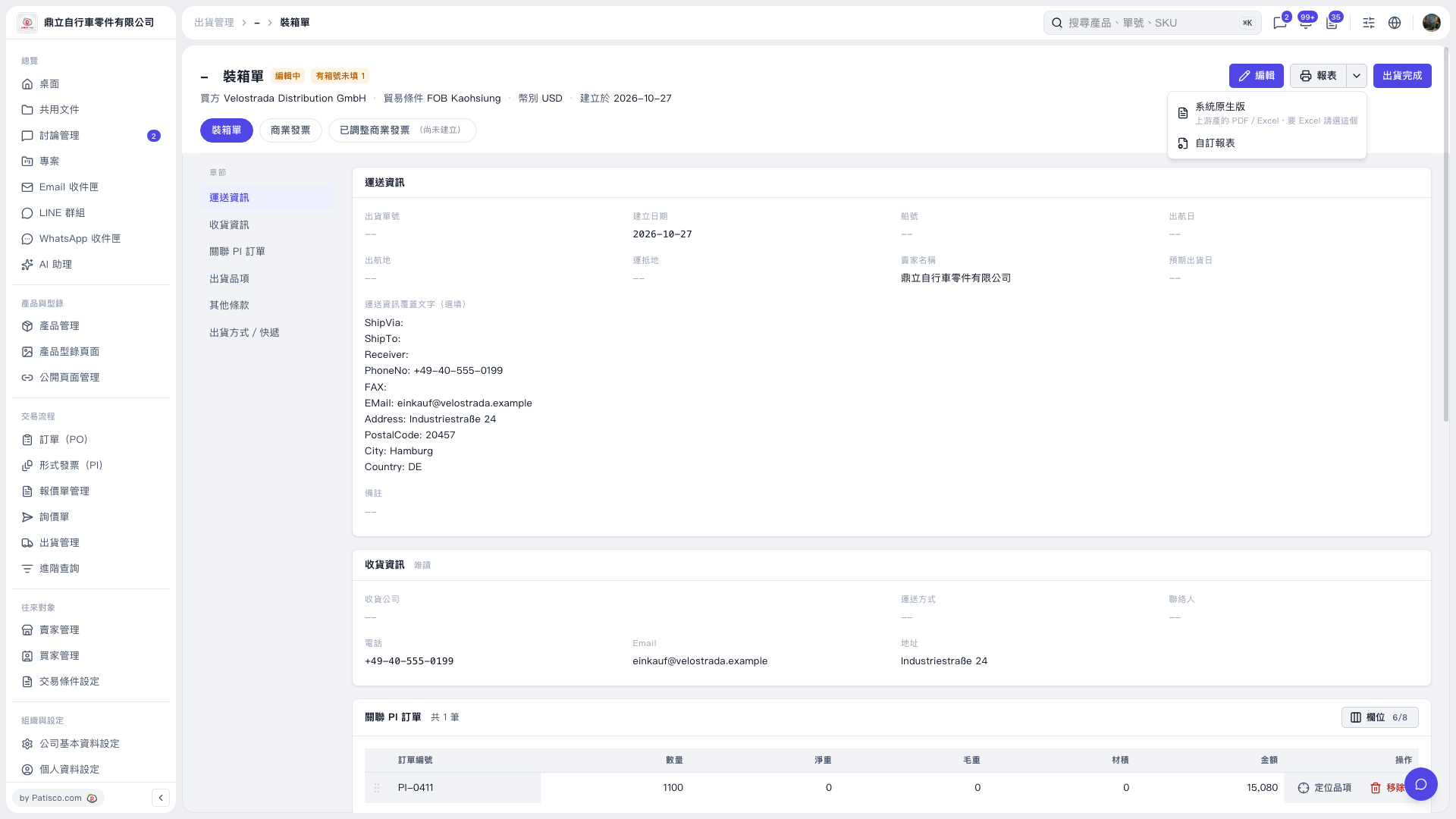
1. On the "Packing List" tab, check the buyer, shipping information, delivery information, and linked PI order. To make changes, click "Edit" in the upper right. 2. Click the dropdown arrow next to "Reports" in the upper right and select "System Default" to use the PDF/Excel reports provided by the system. For a custom report, select "Custom Report". 3. Follow the options on the subsequent report screen to print or export the packing list.
 V5 新桌面版|裝箱單