
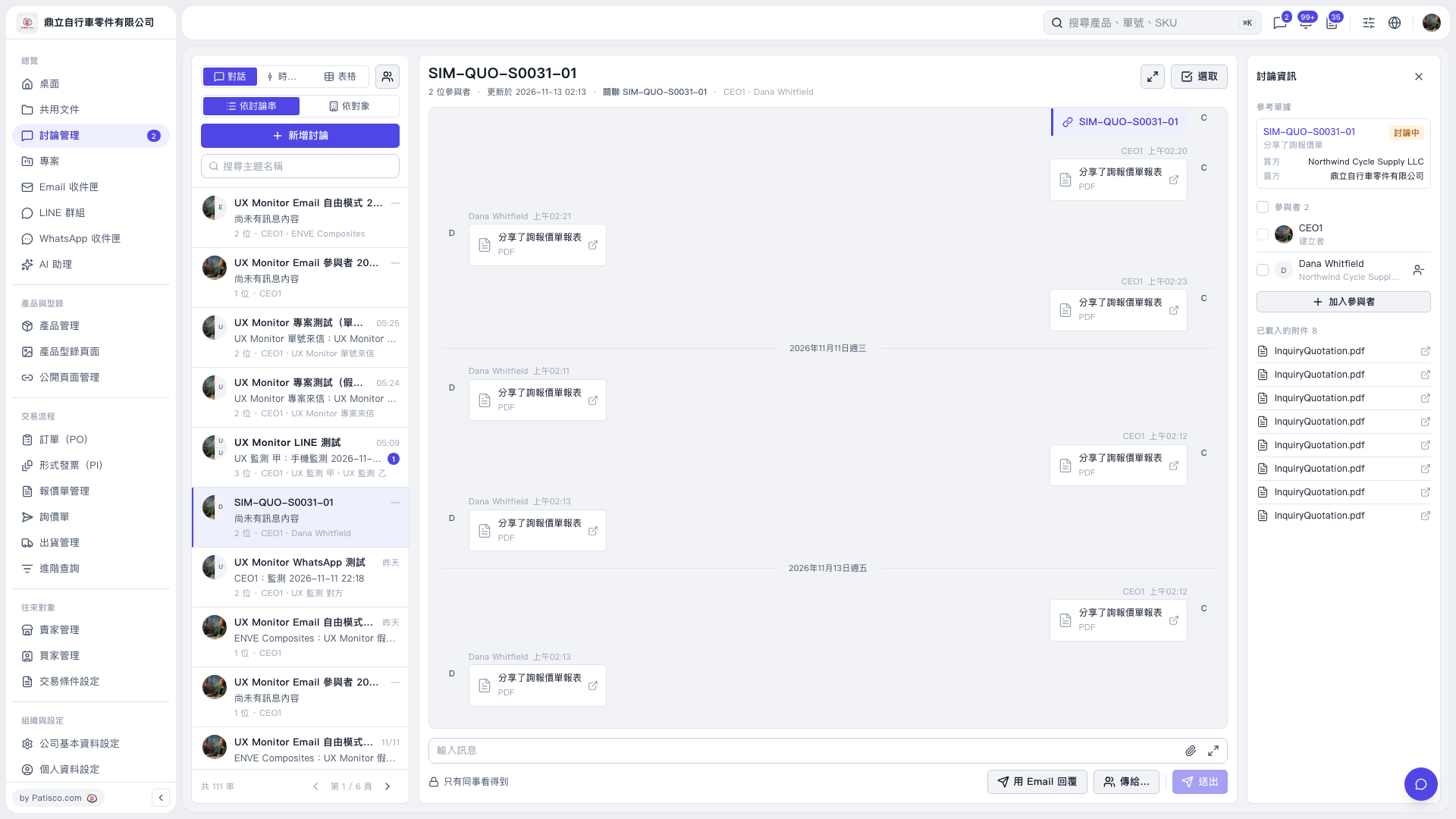
1. Enter a keyword in "Search Topic Name" on the left, then select the discussion thread you want to reply to. 2. Review the message history in the center and "Participants" on the right to check who is in the discussion. 3. Click "Reply by Email" at the bottom, select the recipients through "Send to…", and enter your reply. 4. Pay attention to the notice shown when sending email. In this operation, the notice indicated that the discussion thread already had a contact from Northwind Cycle Supply LLC, so even if the email was sent to third-party@example.invalid, Northwind Cycle Supply LLC would also be able to see it in Patisco. 5. Check the content, recipients, and visibility, then click "Send".
 V5 新桌面版|SIM-QUO-S0031-01