
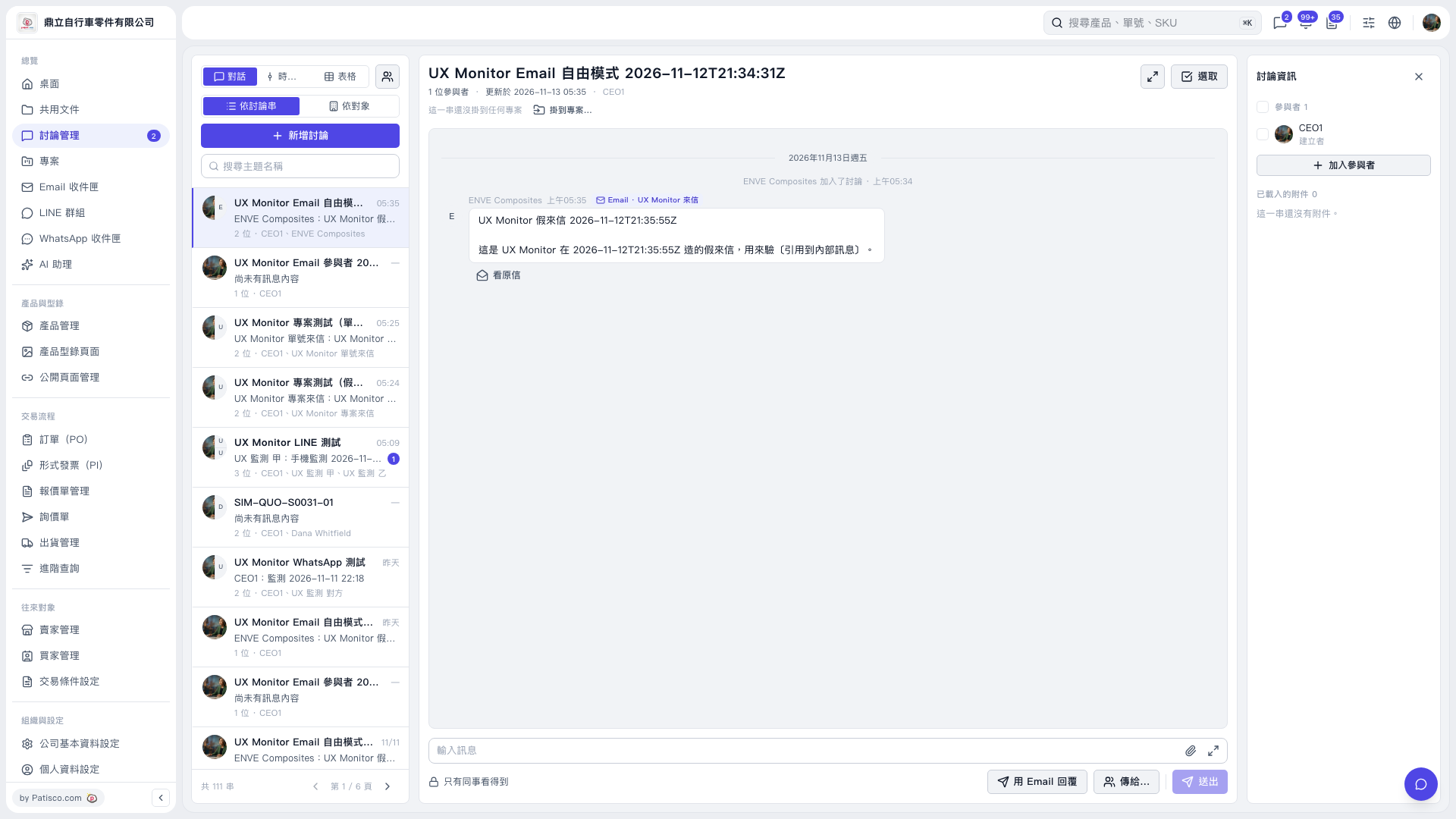
1. Open the thread you want to work on and find the email participant you want to remove under “Participants” on the right. 2. Use “Remove from discussion” for that participant. In this operation, info@enve.com was removed, and all email participants were removed from the thread. The thread itself remains in the list. 3. You can ask AI: “Please remove all email participants from this thread.” An example AI response is: “All email participants have been removed from this thread. The thread itself has been retained.”
 V5 新桌面版|UX Monitor Email 自由模式 2026-11-12T21:34:31Z