
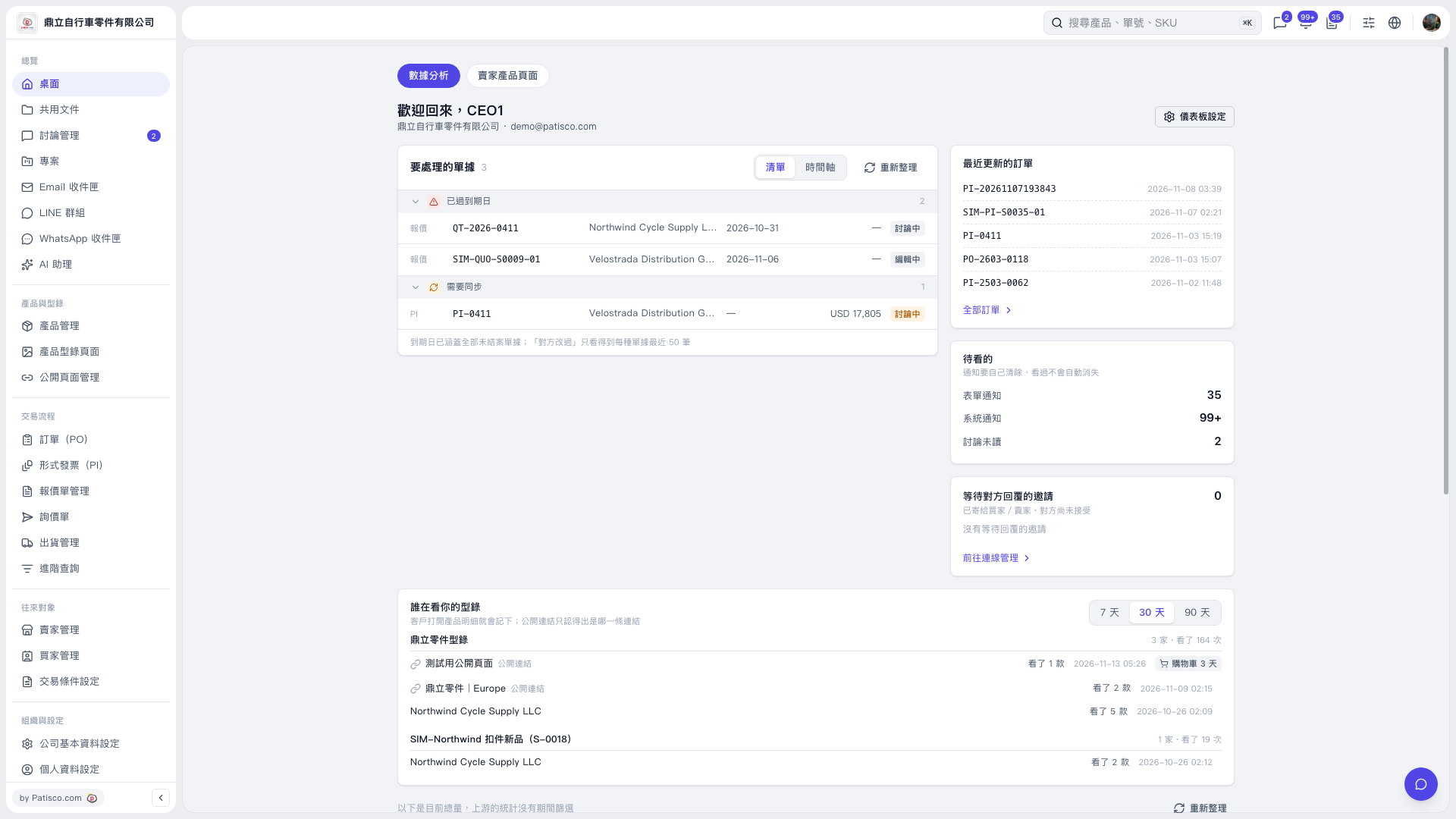
1. Select "Desktop" on the left and open the "Data Analysis" tab. 2. In the "Documents to Process" section, check the "Past Due" and "Needs Synchronization" categories. Click a document number to open its details. 3. Use "List / Timeline" to switch views, or click "Refresh" to update the data.
 V5 新桌面版|歡迎回來,CEO1