
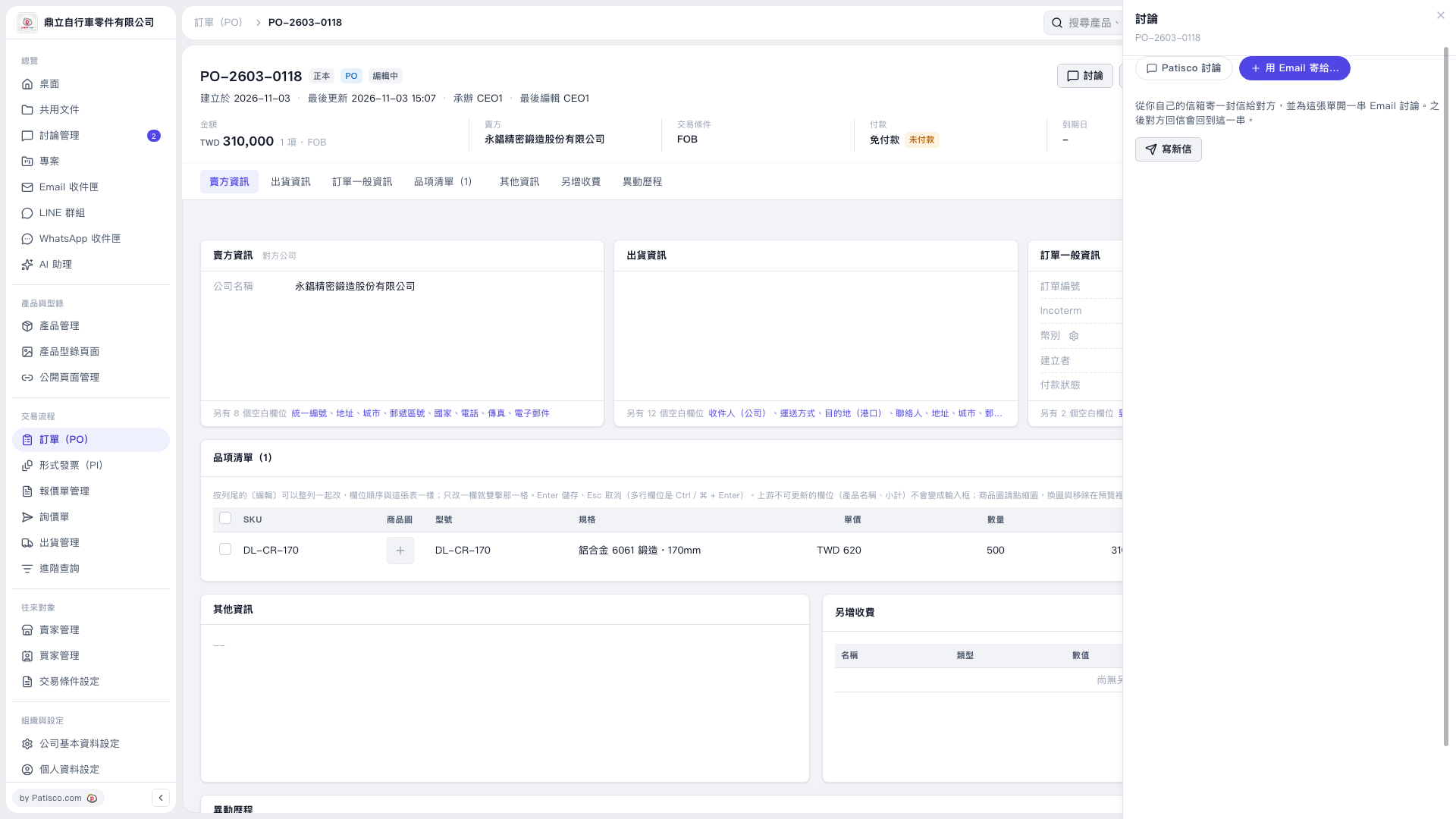
1. Click "Discussion" in the upper-right corner of the PO page, then select "Send by Email to…". 2. Click "Compose New Email" to open the email compose panel. 3. Make sure "Attach a PDF of This PO" is checked, and confirm the PDF language. The screen in this instance shows "English". 4. Check and enter the recipients. This PO does not include the seller's email address, so the recipient field is blank by default. 5. Write the email content. This test only checked the compose panel; actual sending was not verified. The clickable state of "Compose New Email" was tested by simulating a connected mailbox.
 V5 新桌面版|訂單 PO–2603–0118