
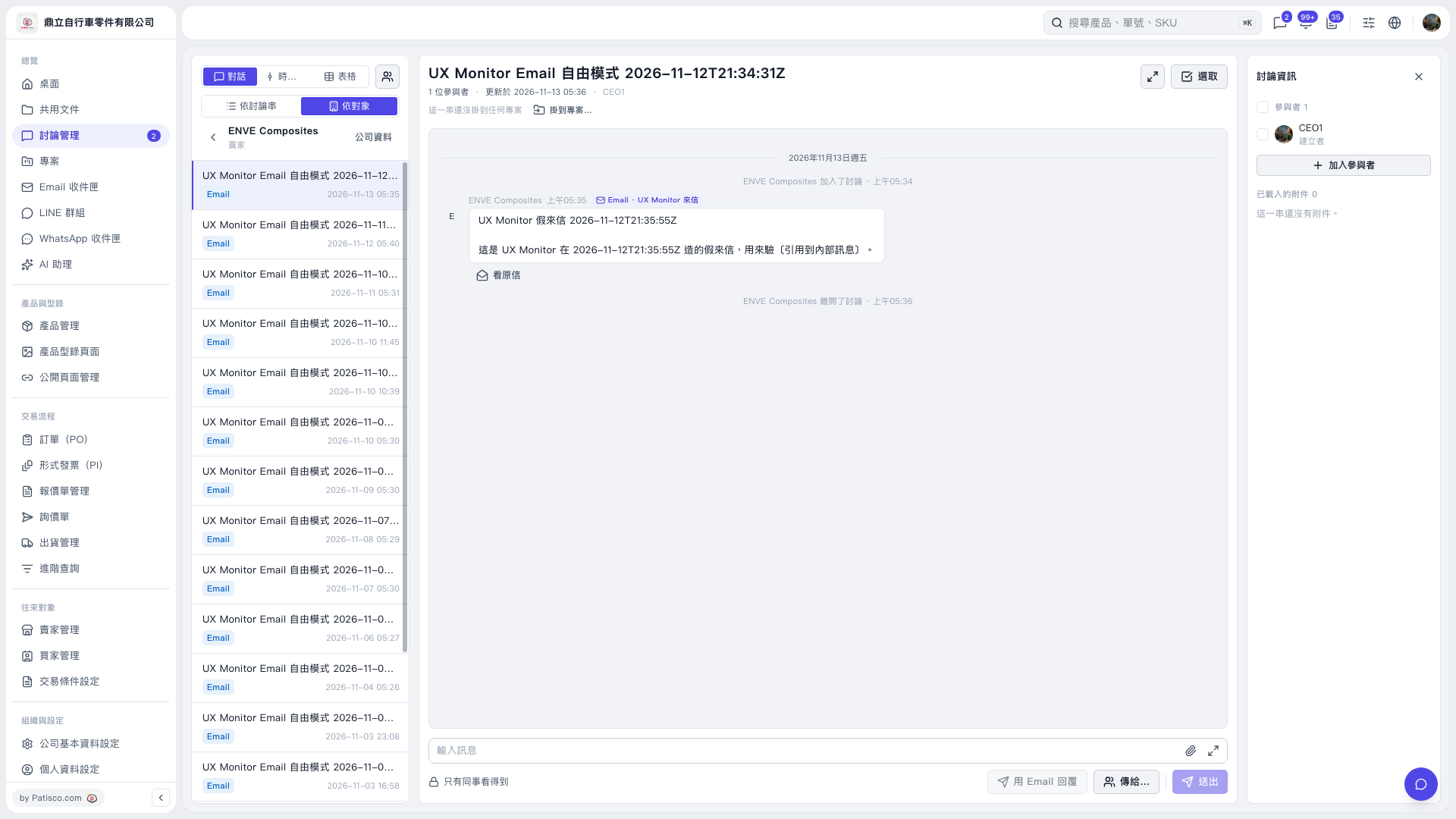
1. At the top of the discussion list on the left, click "By contact" and select the contact you want to view, such as ENVE Composites. 2. Click on that contact's discussion thread to read messages in the center panel. 3. To view the original email, click "View original" below the message. 4. To view the contact's company information, click "Company info" next to the contact name on the left.
 V5 新桌面版|UX Monitor Email 自由模式 2026-11-12T21:34:31Z