
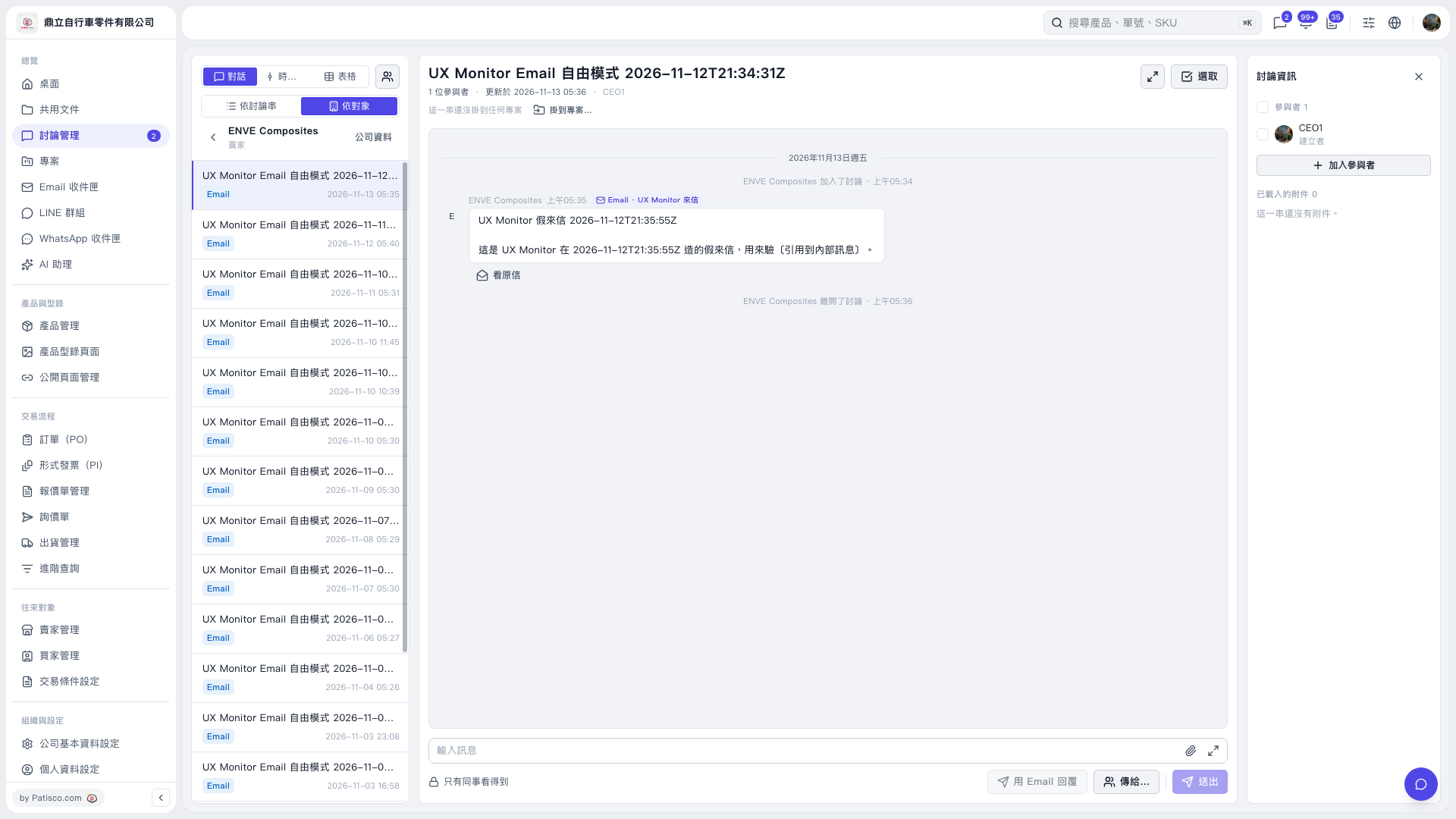
1. Open the discussion thread where you want to leave a message. If you need to add colleagues to participate, click "Add participants" on the right. 2. Type your message in the "Enter message" field at the bottom. The screen indicates that only colleagues can see this message. 3. As needed, click "Send to..." to select the recipient, then click "Send".
 V5 新桌面版|UX Monitor Email 自由模式 2026-11-12T21:34:31Z